About this template
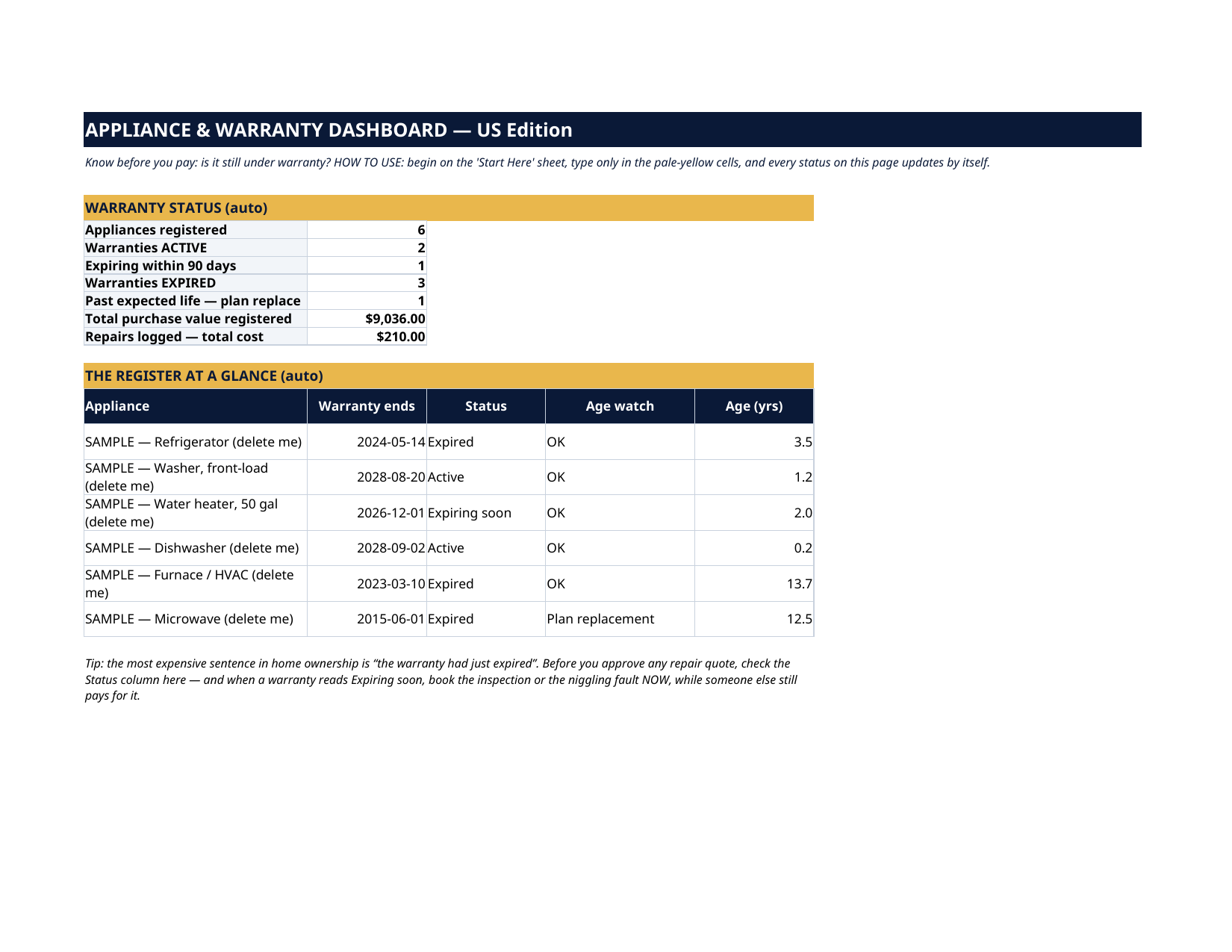
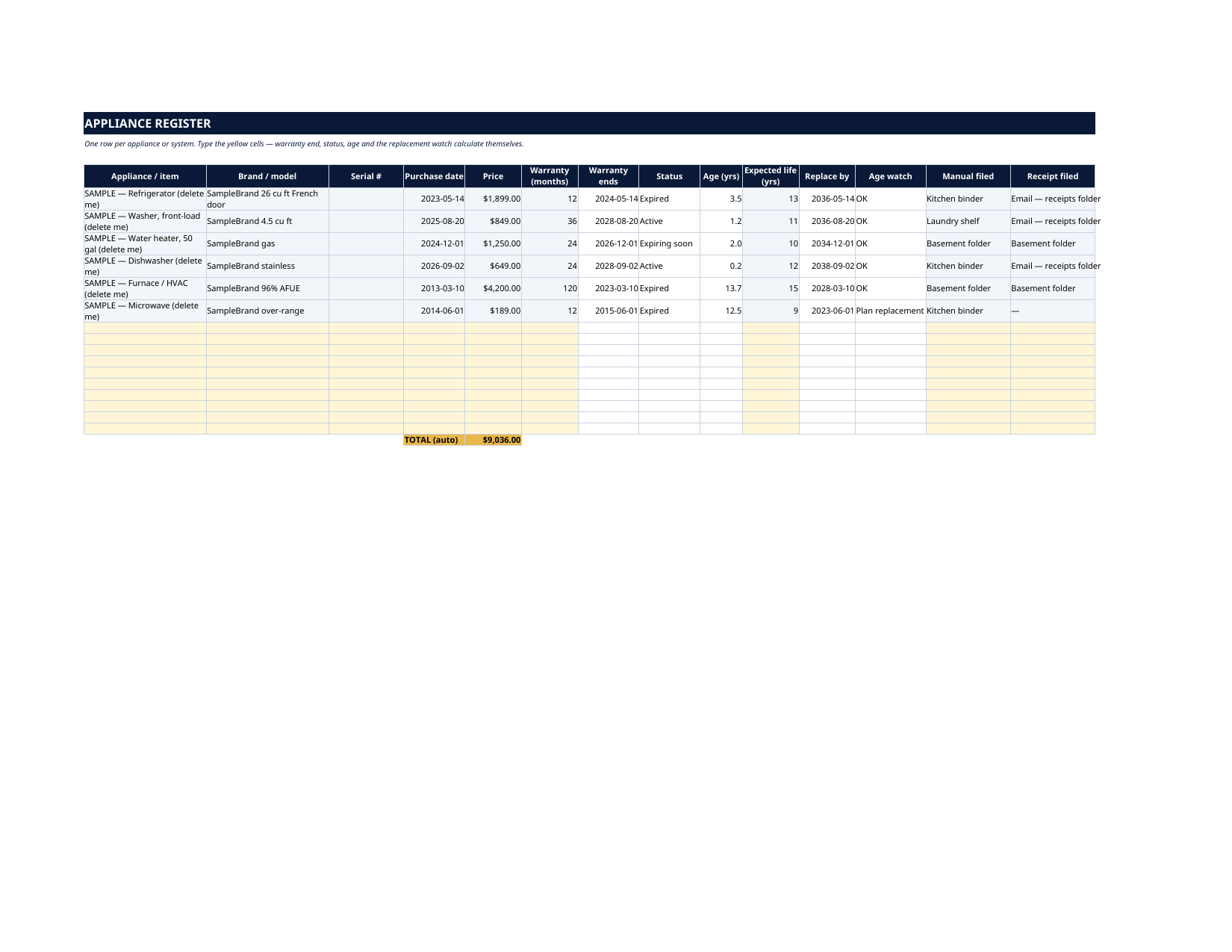
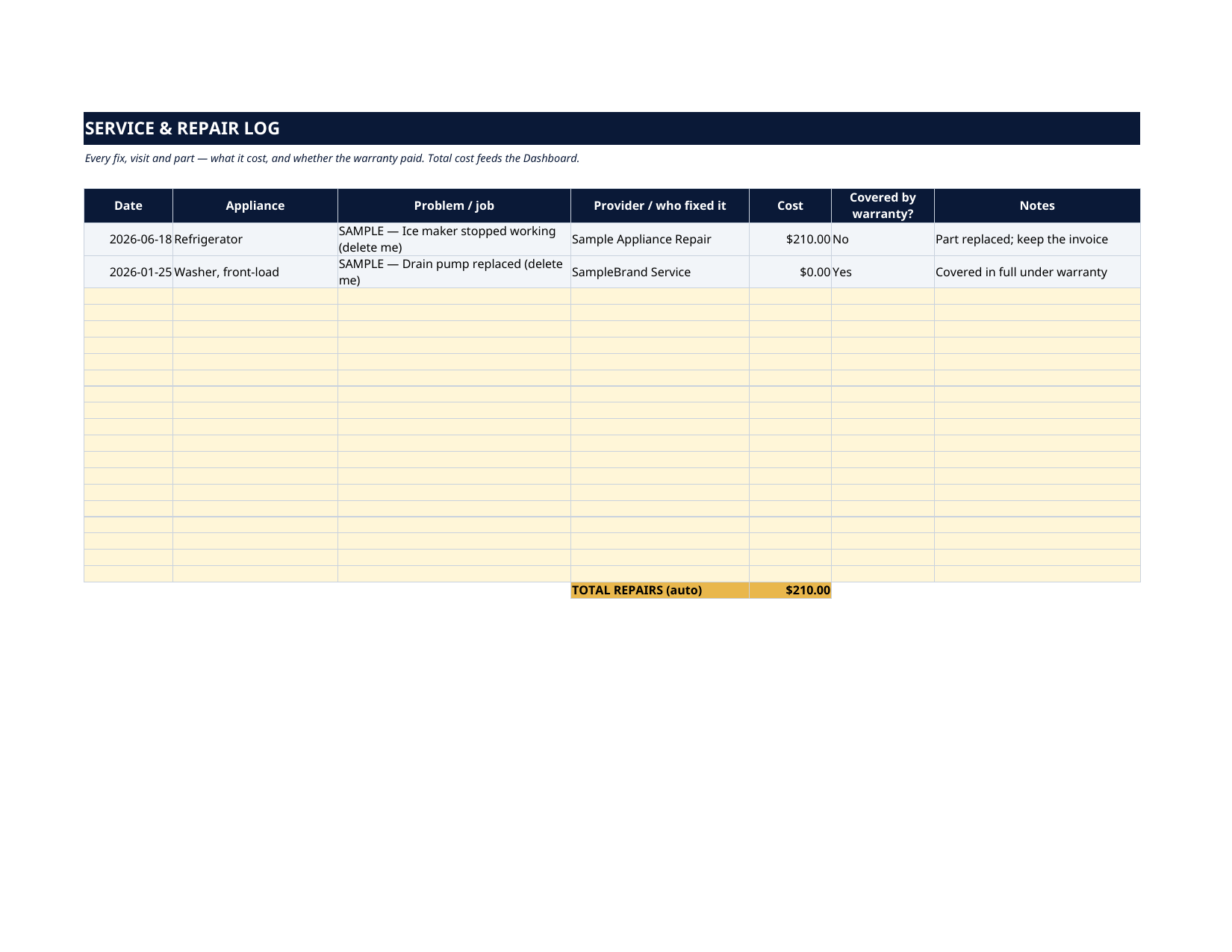
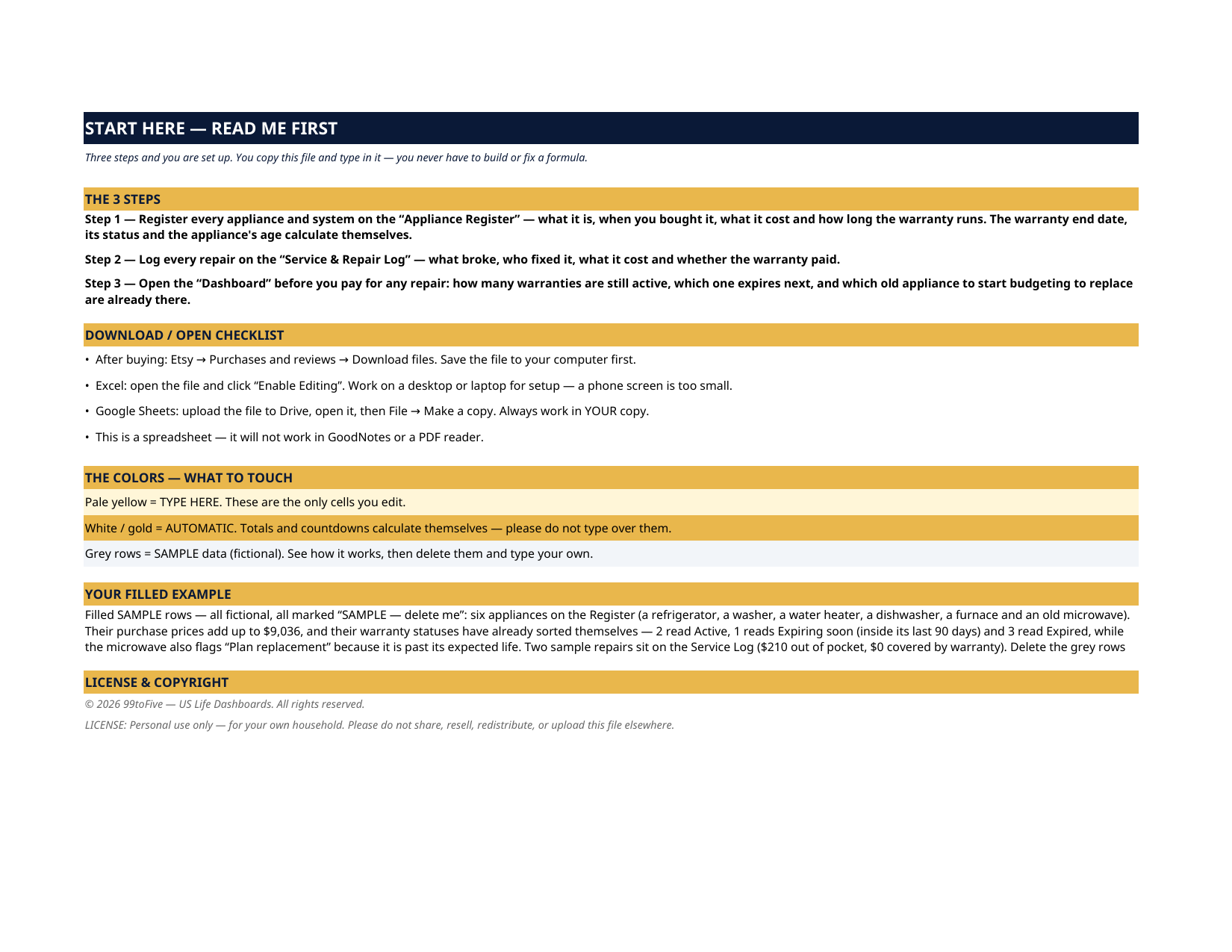
The grey SAMPLE rows are six fictional appliances: a $1,899 refrigerator, an $849 washer, a $1,250 water heater, a $649 dishwasher, a $4,200 furnace and a $189 microwave — $9,036 of purchase value in total. Their statuses have already sorted themselves: two warranties read Active, the water heater reads Expiring soon (inside its last 90 days), three read Expired, and the 12-year-old microwave also flags "Plan replacement" because it is past its expected life. Two sample repairs sit in the log — $210 paid out of pocket, $0 covered. Every sample is marked "SAMPLE — delete me". Delete them, type your own, and the whole file is yours. The fridge breaks, you pay $210 for the repair — and find the paperwork a month later: it was covered all along. Or the opposite: you approve a big quote, then discover the warranty ran out last spring and a replacement made more sense. This tracker registers every appliance and system you own — what it cost, when the warranty ends, how old it is, and when to start planning its replacement — so you know before you pay.
What's inside
- Start Here — the 3 steps, a download/open checklist for Etsy, Excel and Google Sheets, the color guide (pale yellow = type here; white/gold = automatic; grey = sample data), and a walk-through of the filled example.
- Dashboard — the one-page summary. Appliances registered, warranties Active, warranties Expiring within 90 days, warranties Expired, anything past its expected life flagged "Plan replacement", the total purchase value on the register, and your total repair spend — plus the register at a glance.
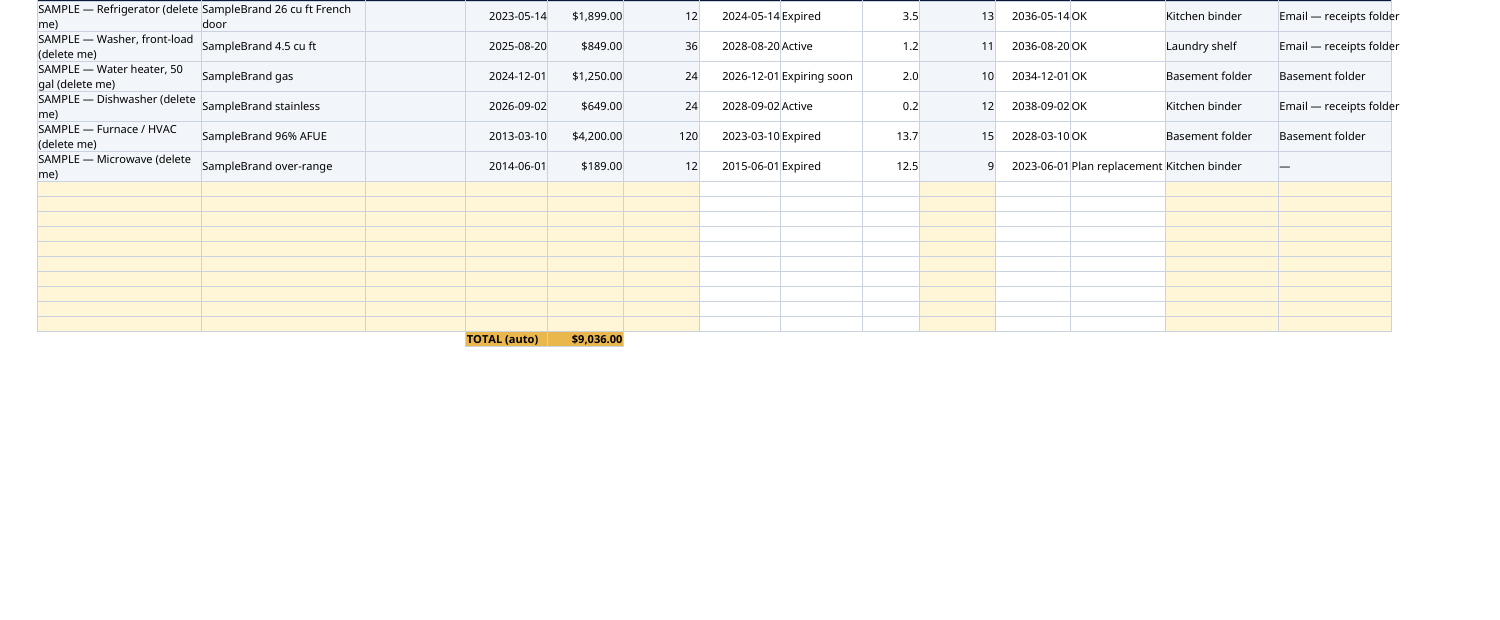
- Appliance Register — one row per appliance or system: item, brand and model, serial number, purchase date, price, warranty length in months, expected life in years, and where the manual and receipt are filed. Warranty end date, status (Active / Expiring soon / Expired), current age and replace-by date are all automatic. Sixteen rows.
- Service & Repair Log — every fix and visit: date, appliance, what broke, who fixed it, what it cost, and whether the warranty covered it. Total spent feeds the Dashboard.
How it works — 3 steps
- Register each appliance: purchase date, price, warranty months, expected life, and where the paperwork lives.
- Log every repair as it happens — two minutes, from the invoice.
- Before you approve any repair quote, open the Dashboard and check the status. If it reads Expiring soon, book the inspection now, while someone else still pays.
You never build or fix a formula. Type only in the pale-yellow cells — the formula cells are protected (no password) so the math can't be broken by accident. Fictional SAMPLE rows, clearly marked, show you the format; delete them and the file is yours.
What you need
Microsoft Excel, or Google Sheets (free with a Google account). One file works in both. A desktop or laptop is best for setup — a phone screen is too small. This is a spreadsheet. It will not work in GoodNotes, Notability or a PDF reader.
Instant download
This is a digital download — no physical item will be shipped. After purchase, go to Etsy → Purchases and reviews → Download files, save the file to your computer first, then open it in Excel (click “Enable Editing”) or upload it to Google Drive for Sheets (then File → Make a copy, and always work in your copy).
License
Personal use only — for your own household. Please do not share, resell or redistribute the file.
Questions
Does it work in Google Sheets as well as Excel?
Yes — the same .xlsx file works in both. Upload it to Google Drive, open it, then choose File → Make a copy and work in your copy. A printable PDF render is included too.
How does the warranty status work?
You type the purchase date and the warranty length in months. The sheet calculates the warranty end date and compares it with today: Active, Expiring soon (90 days or less left) or Expired — no mental math, no digging for paperwork.
What is the "Plan replacement" flag?
You also enter each appliance's expected life in years (the register suggests nothing — your call, or check the manufacturer's guidance). When an appliance passes that age, the register flags it "Plan replacement" so you can budget for the replacement instead of being surprised by the breakdown.
The Dashboard already has numbers in it — is that real data?
No — it's six fictional SAMPLE appliances ($9,036 total value) and two fictional repairs, every row marked "SAMPLE — delete me", shipped so you can watch every status work before you touch anything. Delete the grey rows and type your own.
Does it track extended warranties and service plans too?
Yes — if you bought an extended plan, enter its full length in the Warranty (months) column. The register also has columns for where the manual and the receipt are filed, which is what the warranty company will ask for.