About this template
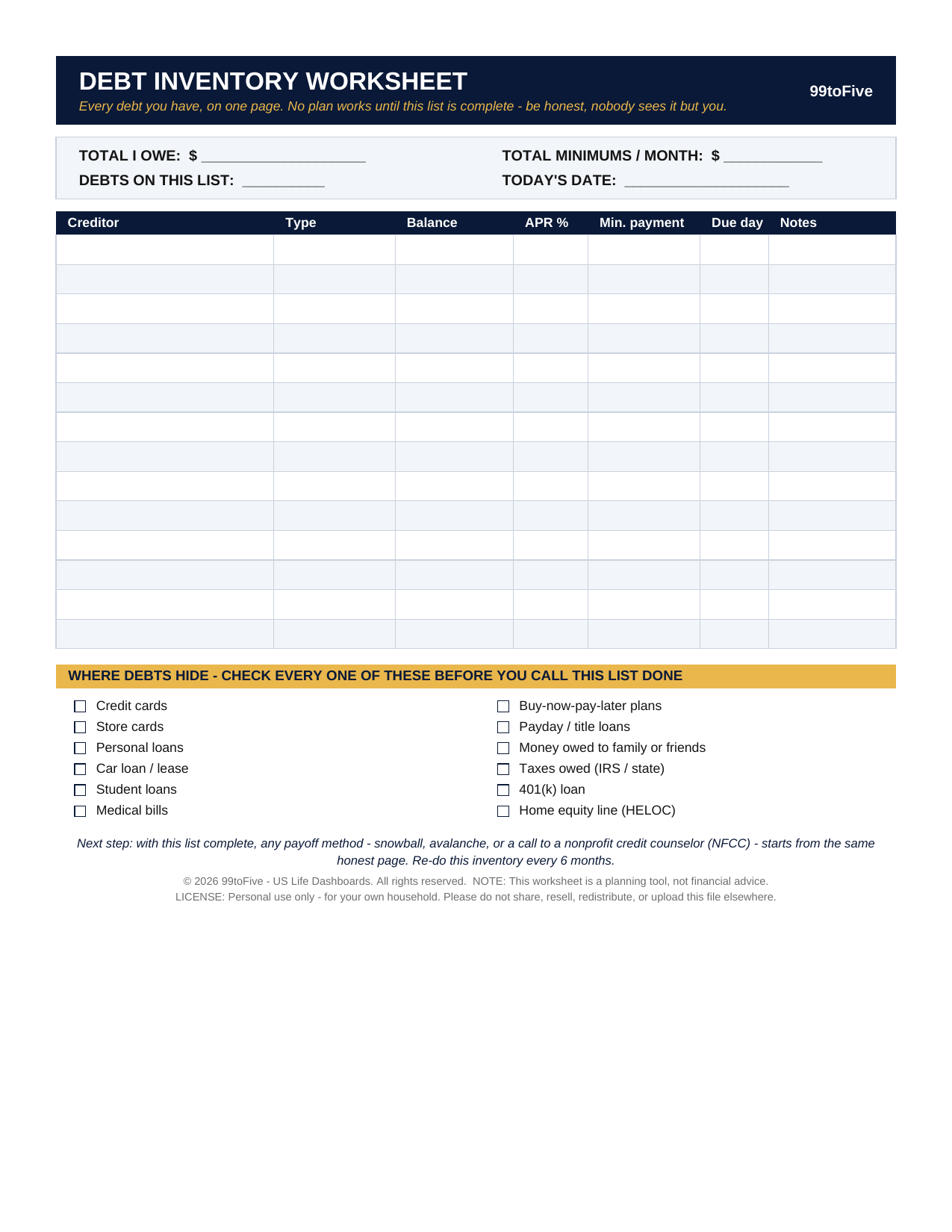
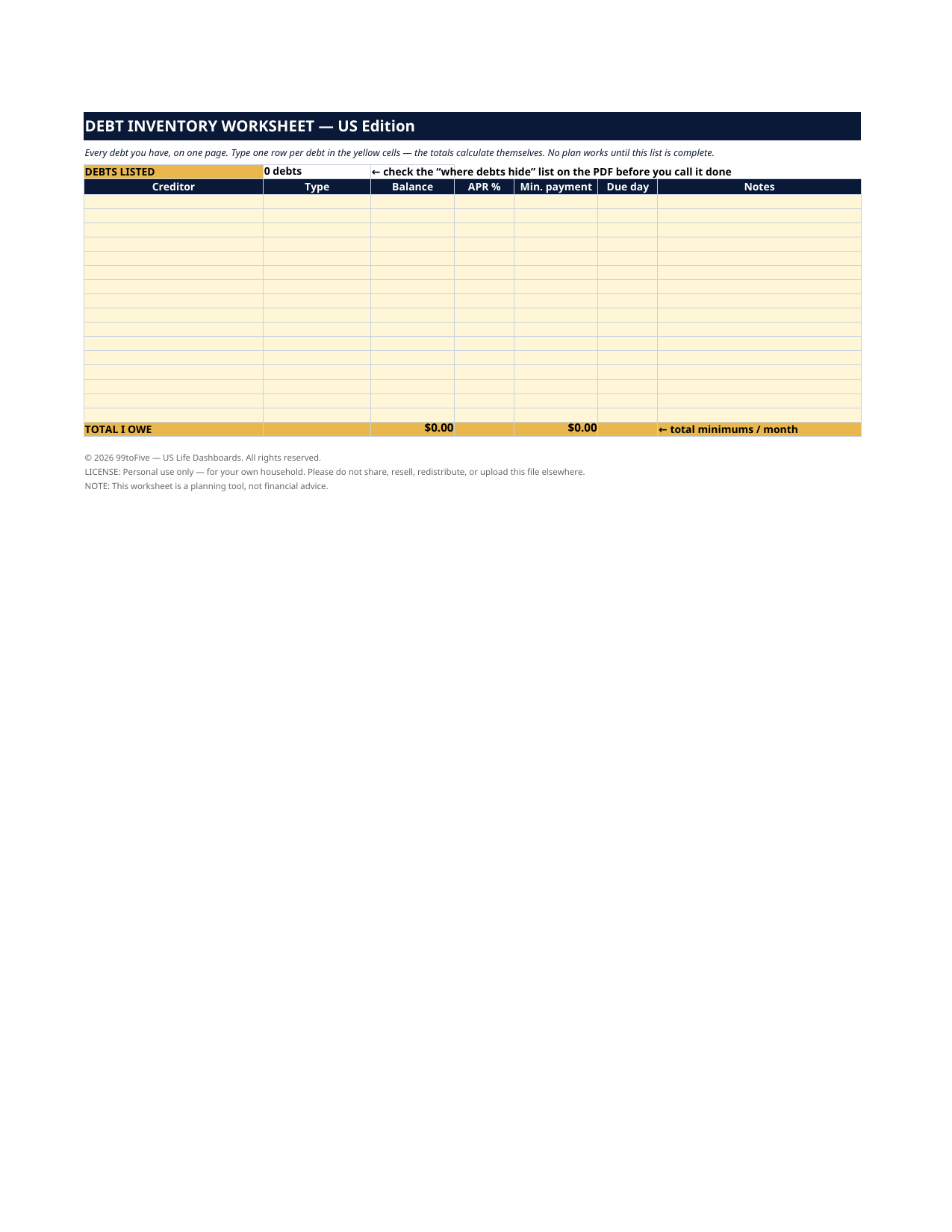
No payoff plan works until this list is complete — and most people's list isn't. A card here, a medical bill there, a buy-now-pay-later plan you've half forgotten. This one-page worksheet walks you through listing everything you owe — creditor, type, balance, APR, minimum payment, due day — and then checks your list against the twelve places debts hide, so nothing gets left out. You get it two ways: a printable PDF for a pen-and-paper session at the kitchen table, and the same worksheet as a spreadsheet that totals everything automatically. This worksheet is a planning tool, not financial advice. It organizes what you owe; it doesn't recommend a strategy or contact any creditor.
What's inside
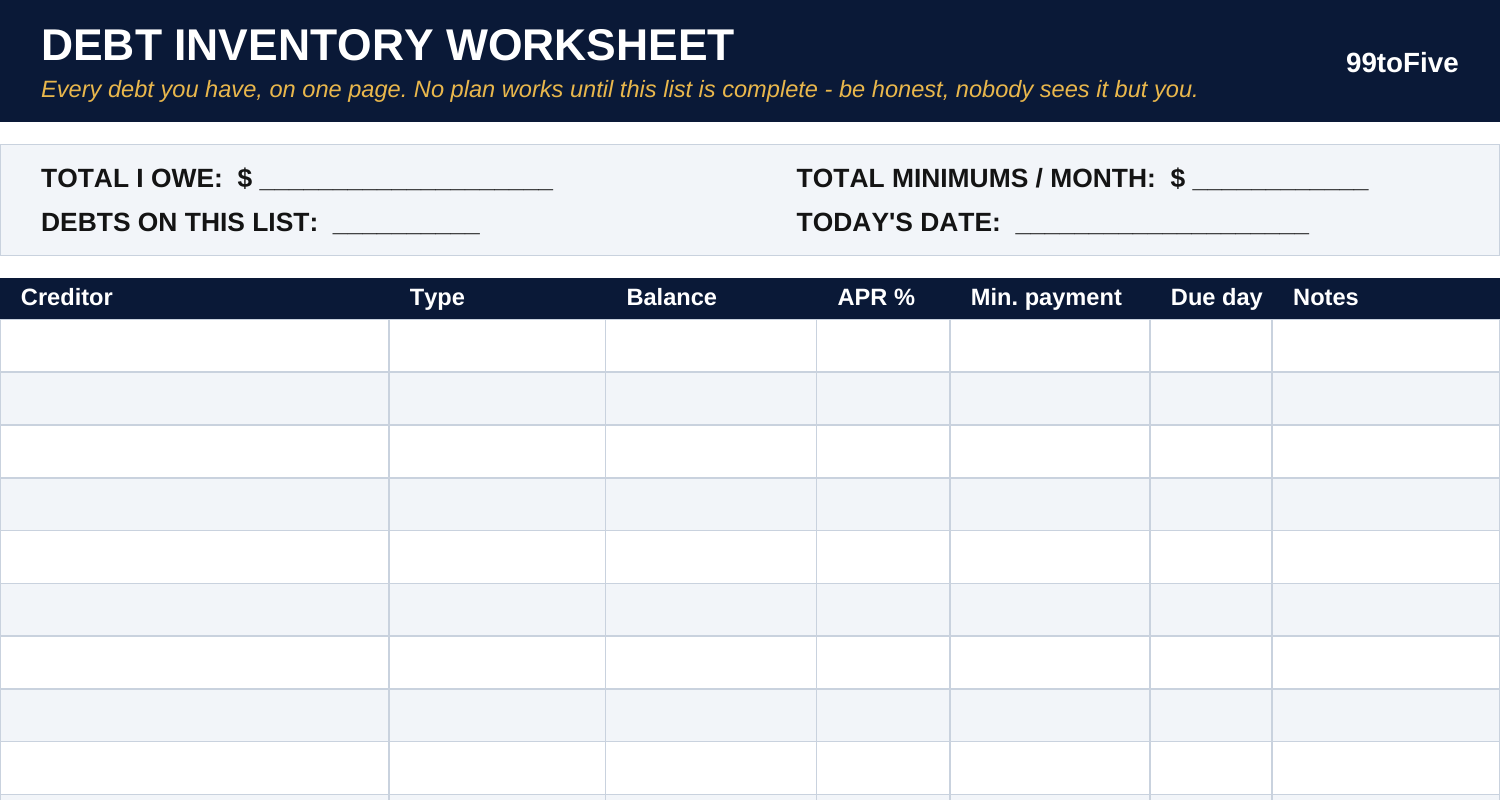
- A TOTALS BOX at the top — total I owe, total minimums per month, number of debts, today's date. The four numbers every money conversation starts with.
- The Table — 14 ruled rows: Creditor | Type | Balance | APR % | Min. payment | Due day | Notes. One row per debt, gathered from statements and apps in one sitting.
- Where Debts Hide — a 12-point checklist to sweep before you call the list done: credit cards, store cards, personal loans, car loan or lease, student loans, medical bills, buy-now-pay-later plans, payday / title loans, money owed to family or friends, taxes owed, a 401(k) loan, and a home equity line. Check each one off — including the ones that come back "none".
How it works — 3 steps
- Print the PDF (US Letter) or open the spreadsheet version.
- Go statement by statement and app by app: one row per debt. In the spreadsheet, the totals add themselves; on paper, fill the totals box last.
- Sweep the "where debts hide" list. When every box is honestly checked, your inventory is done — and any payoff method (snowball, avalanche, or a nonprofit credit counselor) can start from the same true page. Re-do it every 6 months.
You never build or fix a formula. Type only in the pale-yellow cells — the formula cells are protected (no password) so the math can't be broken by accident. Fictional SAMPLE rows, clearly marked, show you the format; delete them and the file is yours.
What you need
For the PDF: any PDF reader, and a printer if you want the paper copy. For the spreadsheet: Microsoft Excel, or Google Sheets (free with a Google account). The same .xlsx file works in both — upload it to Google Drive, open it, File → Make a copy, and work in your copy. The spreadsheet version is the only part that needs Excel or Sheets; the printable PDF works anywhere.
Instant download
This is a digital download — no physical item will be shipped. After purchase, go to Etsy → Purchases and reviews → Download files, save the file to your computer first, then open it in Excel (click “Enable Editing”) or upload it to Google Drive for Sheets (then File → Make a copy, and always work in your copy).
License
Personal use only — for your own household. Please do not share, resell or redistribute the file.
Questions
What exactly do I receive?
Two files: a one-page printable PDF (US Letter) with a totals box, a 14-row write-in table and the "where debts hide" checklist — and the same worksheet as an Excel spreadsheet whose totals calculate themselves.
Do I need Excel or Google Sheets?
Only for the spreadsheet version. The PDF prints and works with any PDF reader — if you only want the paper worksheet, you're all set.
How does the spreadsheet version total things?
Type one row per debt in the yellow cells. The bottom row adds your balances into TOTAL I OWE and your minimum payments into a monthly total, and the top counts how many debts you've listed.
I have more than 14 debts. What then?
In the spreadsheet, insert more rows above the total row — the sums follow. On paper, print a second page and add the two totals boxes together.
Is this the same as the Debt Payoff Dashboard?
No — this is the step before it. The worksheet lists everything you owe (the inventory). The Dashboard takes an inventory and projects two payoff plans from it. If you only want the honest list, this $0.99 worksheet is the whole job.