About this template
How much deposit money is your landlord holding right now — exactly? When does your lease end, and by what date must your move-out notice be in? When you reported the leak in March, can you prove it? The Renter Dashboard keeps the renter's side of the story. You type the lease terms and deposits once, in pale-yellow cells. The countdowns, totals and counters update by themselves. One grey SAMPLE row in the Requests Tracker (a fictional dripping faucet, emailed to a fictional property manager) shows you the format. Delete it when you're ready and the whole file is yours. LICENSE Personal use only — for your own household. Please do not share, resell or redistribute the file.
What's inside
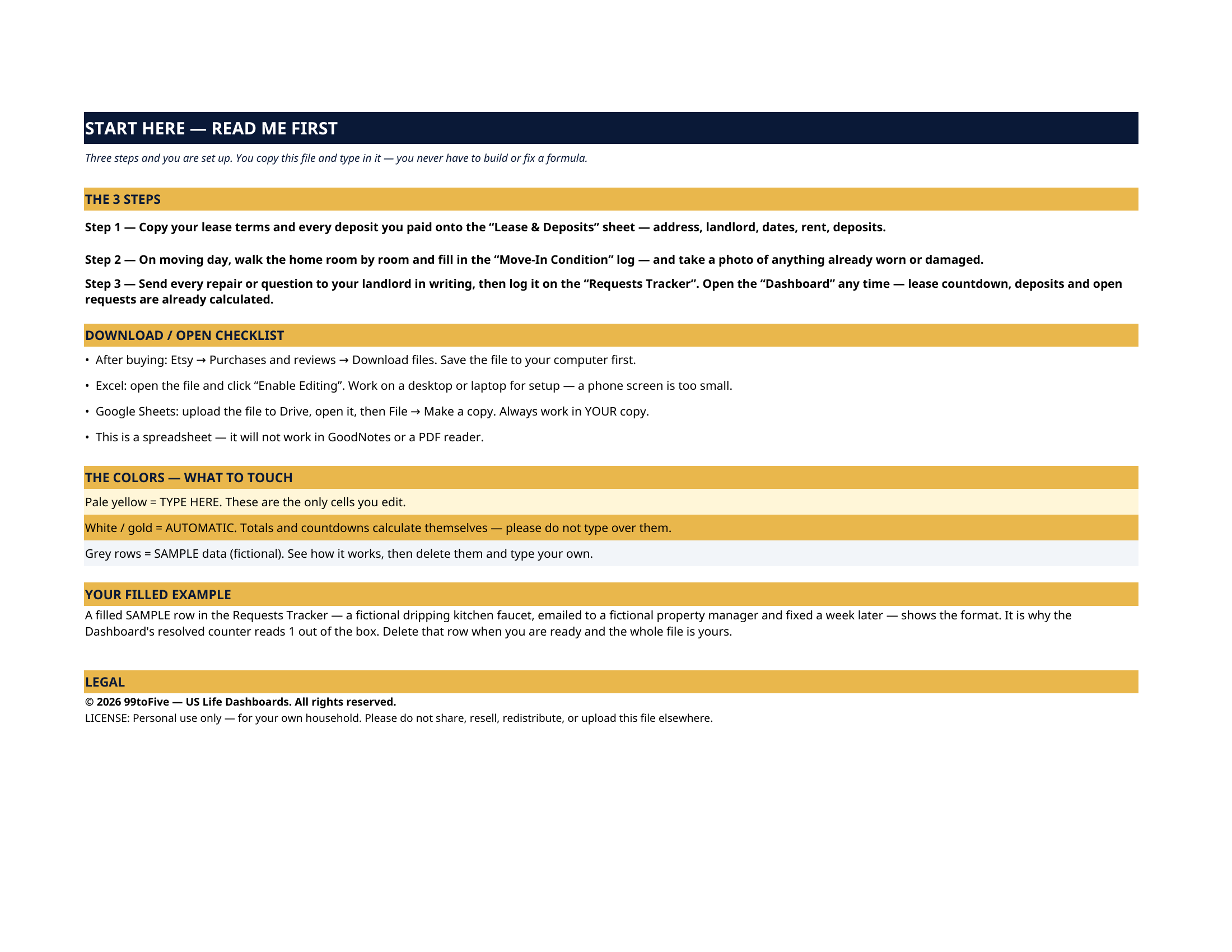
- Start Here — the 3 steps, a download/open checklist for Etsy, Excel and Google Sheets, the color guide (pale yellow = type here; white/gold = automatic; grey = sample data), and a walk-through of the filled example.
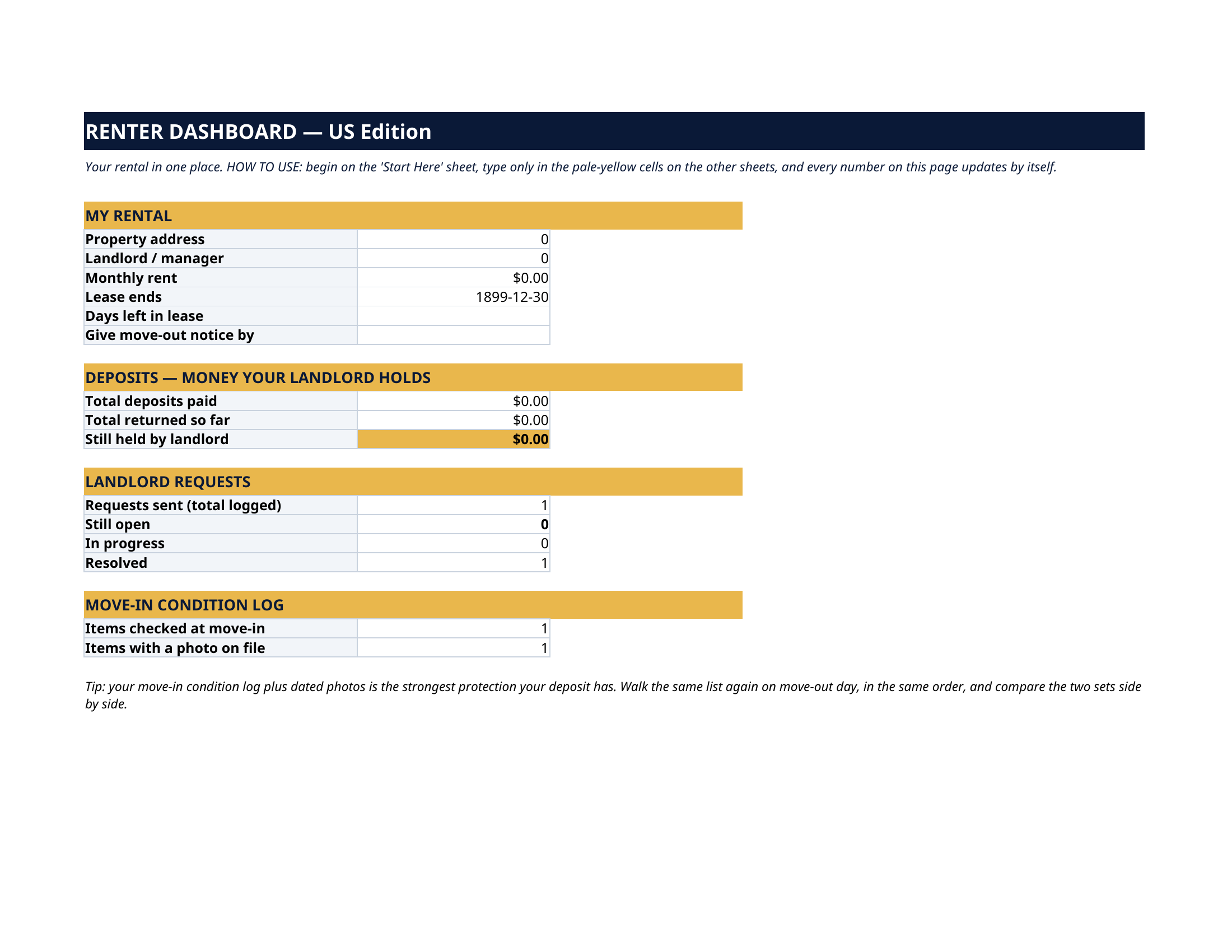
- Dashboard — the one-page summary. Your monthly rent, the lease-end date with a live days-left countdown, the date your move-out notice is due (lease end minus your notice period, calculated for you), total deposits paid, total returned, what your landlord still holds, how many requests are open, in progress and resolved, and how much of your move-in log is done — with photos.
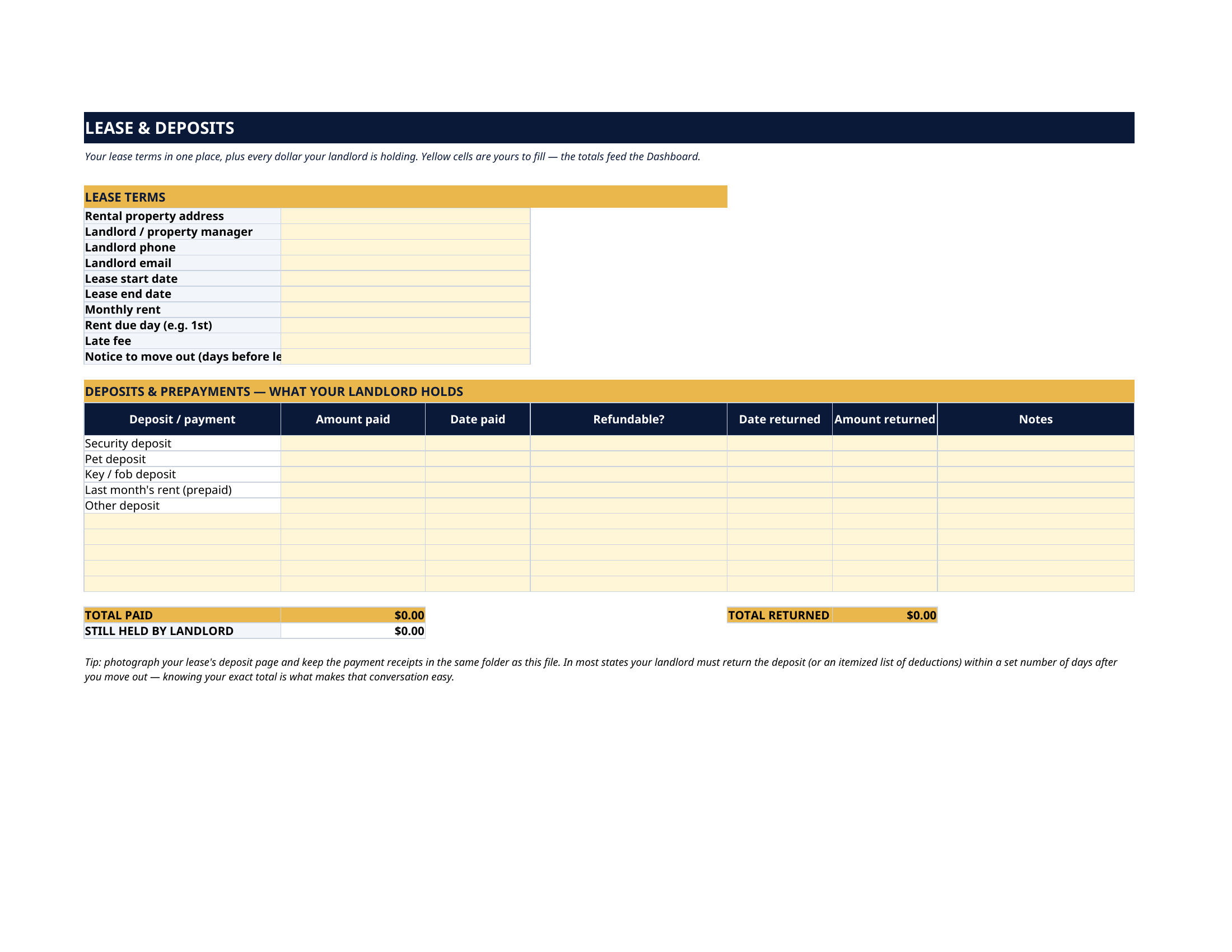
- Lease & Deposits — the lease terms block (address, landlord and their phone/email, start and end dates, rent, due day, late fee, notice period) and a deposits table pre-listed with security deposit, pet deposit, key/fob deposit and prepaid last month's rent, plus room for more. Totals show what was paid, what came back, and what is still held.
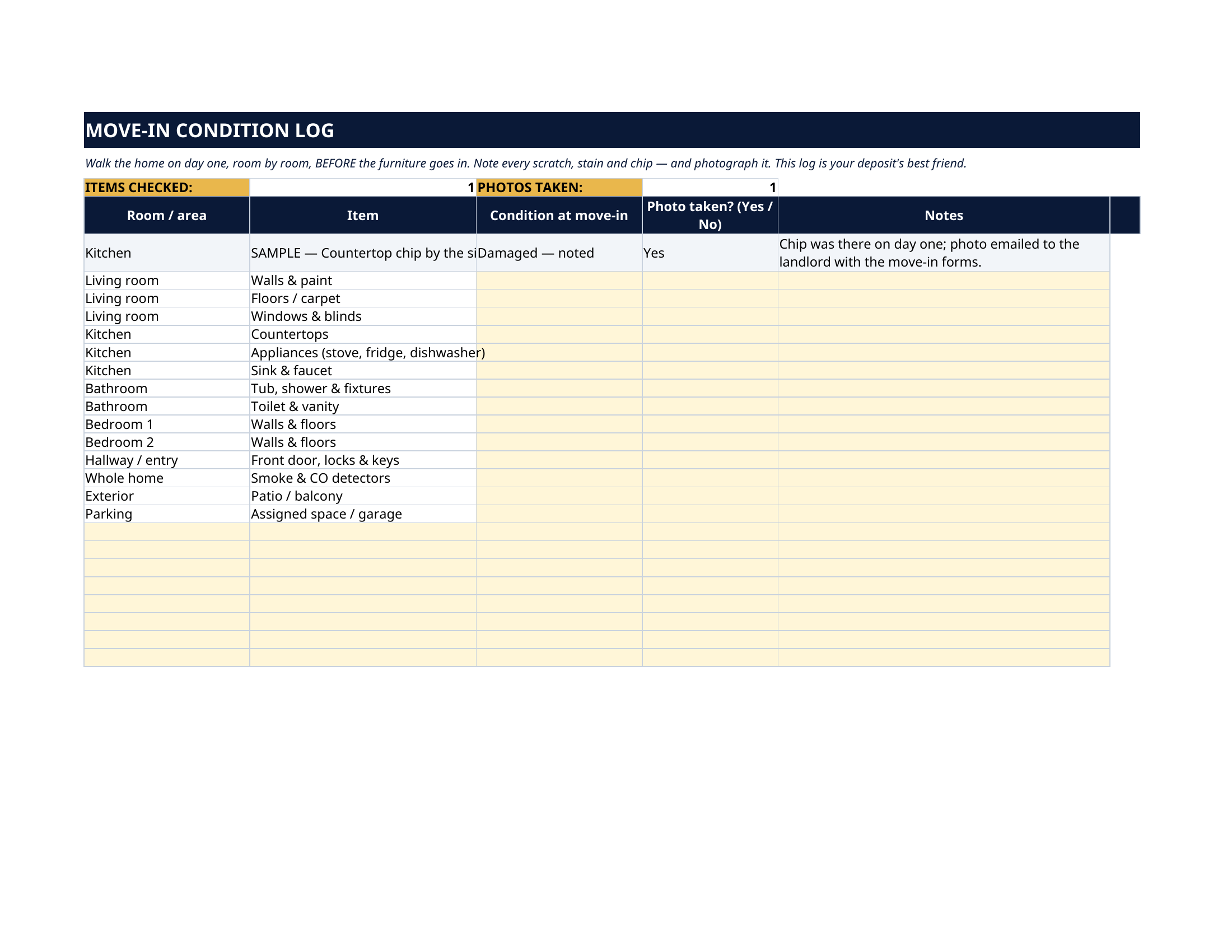
- Move-in Condition Log — a room-by-room walk-through, pre-listed with 14 items (walls, floors, countertops, appliances, fixtures, detectors, patio, parking) plus space for your own. For each: condition at move-in, whether you took a photo, and notes. A counters row tracks items checked and photos taken.
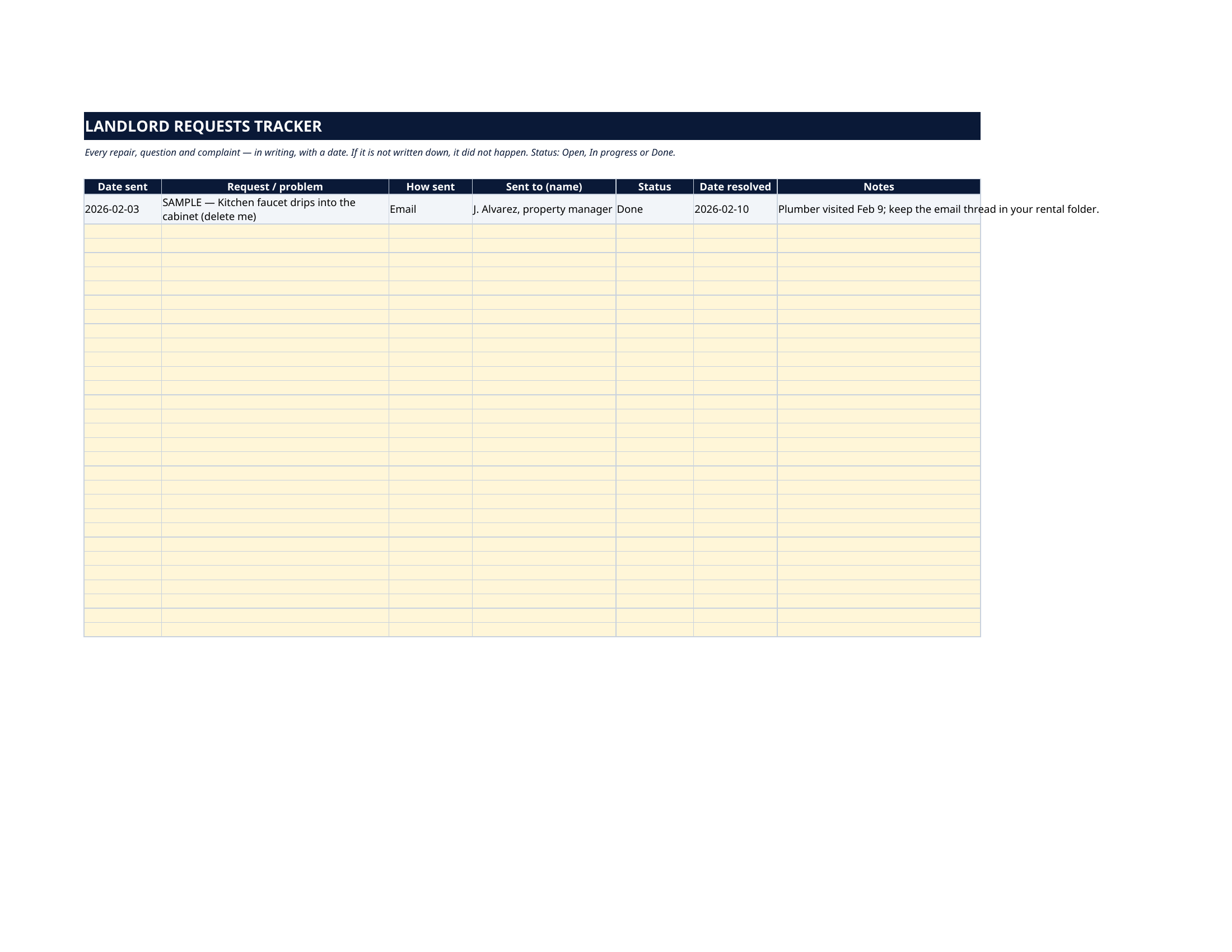
- Requests Tracker — every repair, question and complaint, logged with the date sent, how it was sent, who it went to, its status and the date it was resolved. If it isn't written down, it didn't happen — this sheet is the writing.
How it works — 3 steps
- Copy your lease terms and every deposit you paid onto the Lease & Deposits sheet.
- On moving day, walk the home room by room with the Move-In Condition log, and photograph anything already worn or damaged.
- Send every landlord request in writing and log it on the Requests Tracker. Open the Dashboard whenever you need the numbers.
You never build or fix a formula. Type only in the pale-yellow cells — the formula cells are protected (no password) so the math can't be broken by accident. Fictional SAMPLE rows, clearly marked, show you the format; delete them and the file is yours.
What you need
Microsoft Excel, or Google Sheets (free with a Google account). One file works in both. A desktop or laptop is best for setup — a phone screen is too small. This is a spreadsheet. It will not work in GoodNotes, Notability or a PDF reader.
Instant download
This is a digital download — no physical item will be shipped. After purchase, go to Etsy → Purchases and reviews → Download files, save the file to your computer first, then open it in Excel (click “Enable Editing”) or upload it to Google Drive for Sheets (then File → Make a copy, and always work in your copy).
License
Personal use only — for your own household. Please do not share, resell or redistribute the file.
Questions
Does it work in Google Sheets as well as Excel?
Yes — the same .xlsx file works in both. Upload it to Google Drive, open it, then choose File → Make a copy and work in your copy.
I'm not good with spreadsheets. Is this for me?
Yes. You only ever type in the pale-yellow cells; everything else calculates itself. Instructions are printed at the top of every sheet, and the formula cells are protected so you can't break them by accident.
How does the move-out notice date work?
Type your lease end date and your notice period (in days, from your lease) once. The Dashboard subtracts one from the other and shows the last day your notice can go in — plus a live countdown of the days left in your lease.
Can I use it for my next apartment too?
Yes. Make a copy of the file for each rental, or clear the yellow cells and start fresh. The deposit table has spare rows, and the condition log and requests tracker both take extra rows.
Does it work on my phone or tablet?
It will open, but setup is much easier on a desktop or laptop screen. Do the setup on a computer, then check your Dashboard anywhere.