About this template
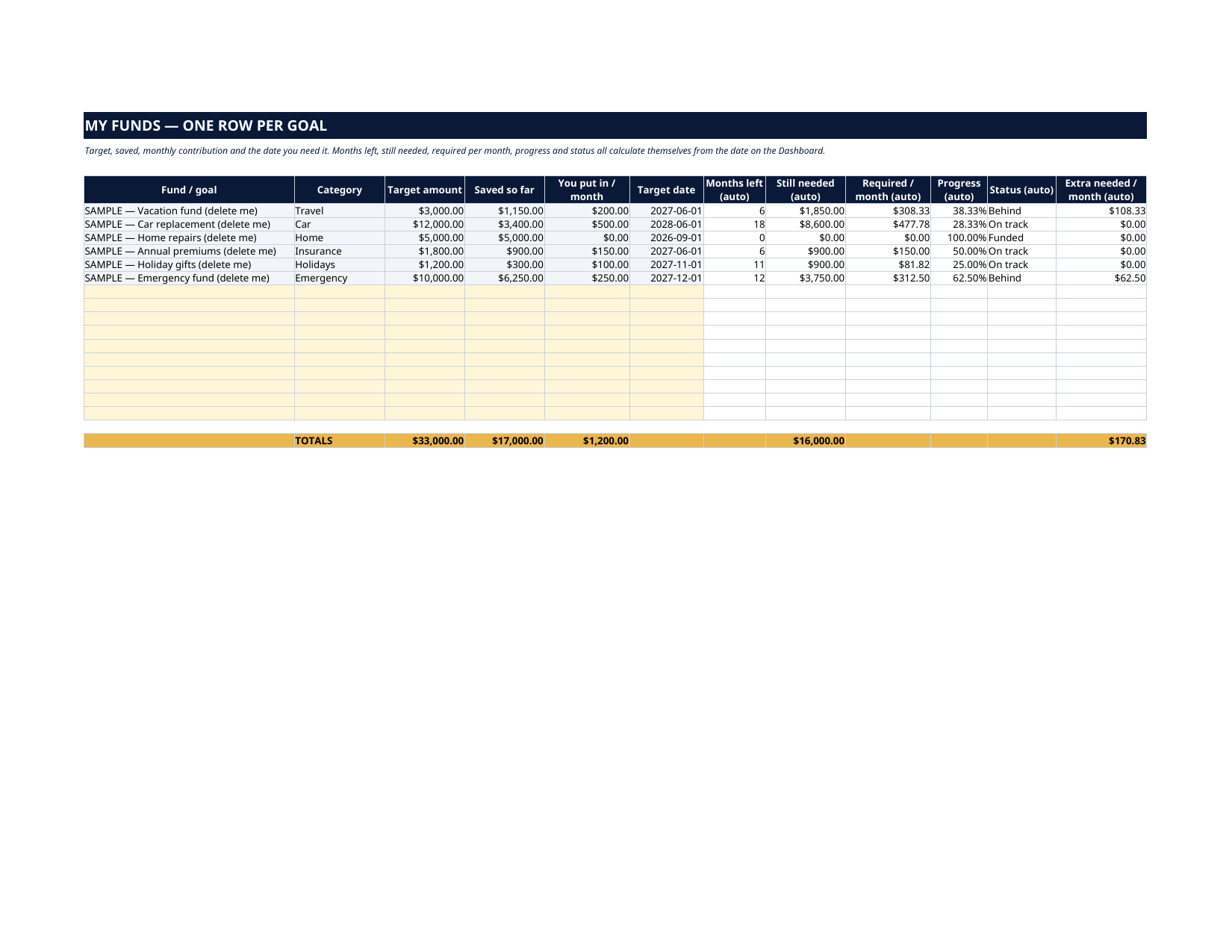
Insurance premiums. Holidays. The next car. The vacation. None of these are surprises — they are known expenses arriving on known dates, and they only feel like emergencies when nobody saved for them a little at a time. That is exactly what a sinking fund is, and this dashboard runs all of yours in one place. List each goal as its own fund — target, saved so far, what you put in monthly, the date you need it — and the sheet answers the only question that matters for every fund: are you on track? It works out the months left, what is still needed, the exact amount per month the date requires, and a plain status — Funded, On track, or Behind — with the exact extra dollars per month that would put a behind fund back on schedule.
What's inside
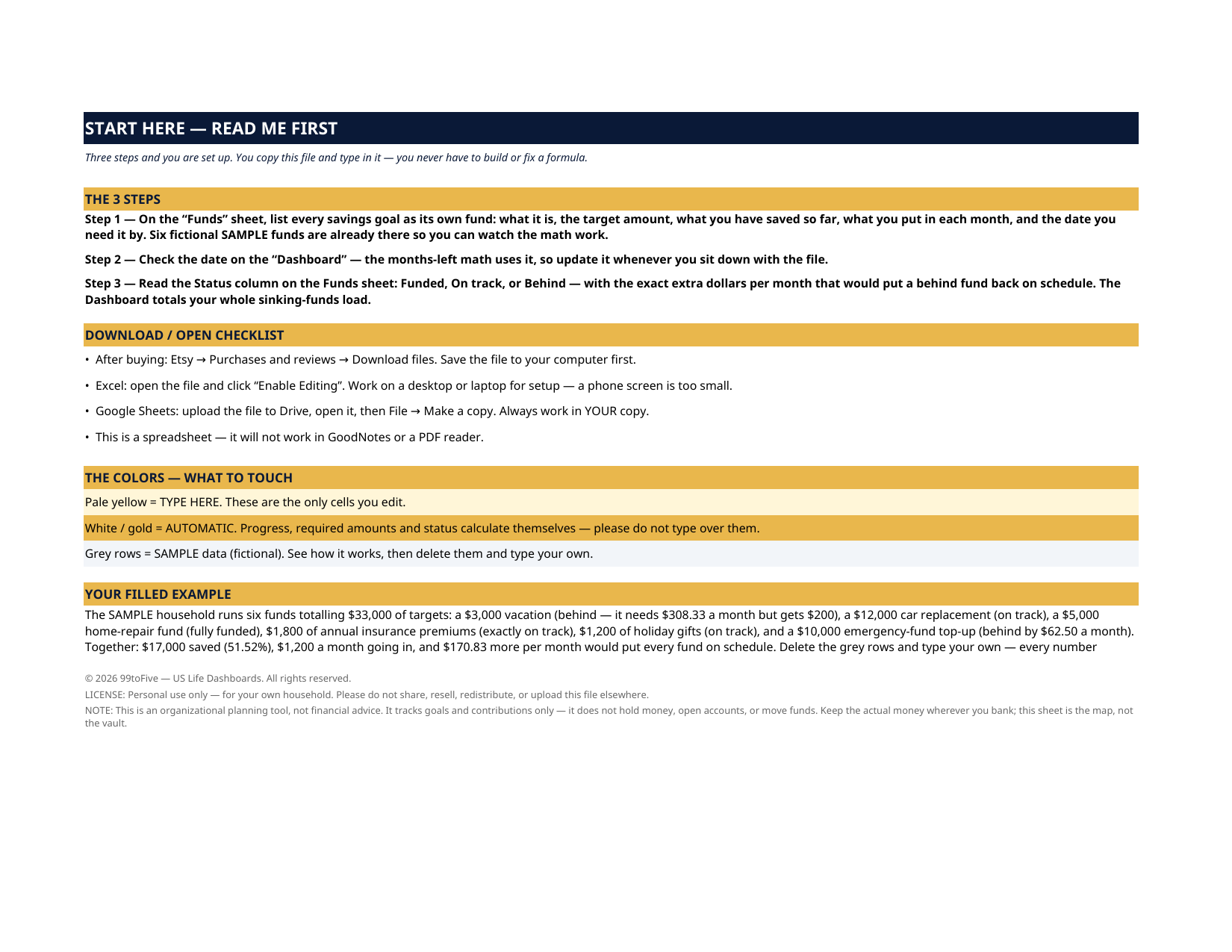
- Start Here — the 3 steps, the color key, your filled example
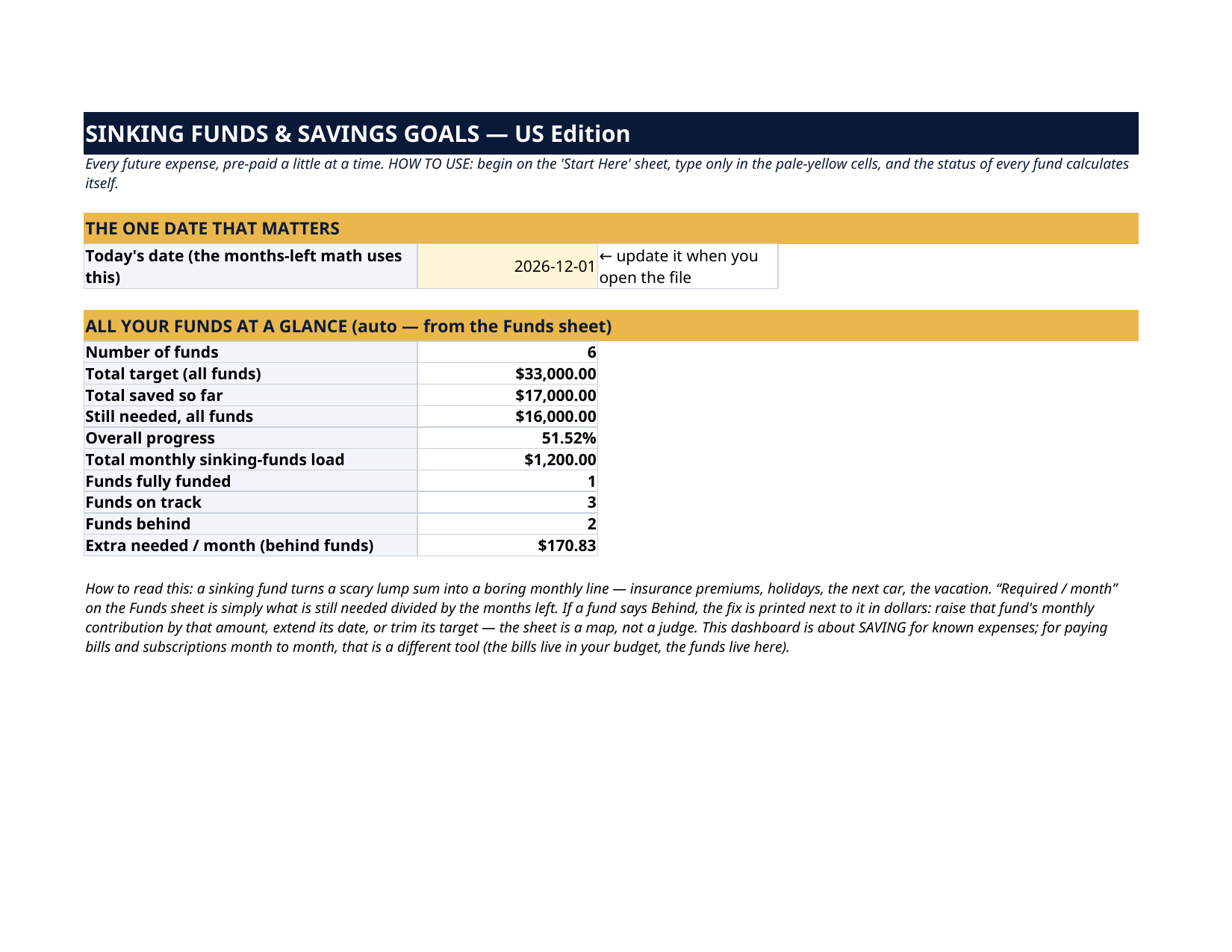
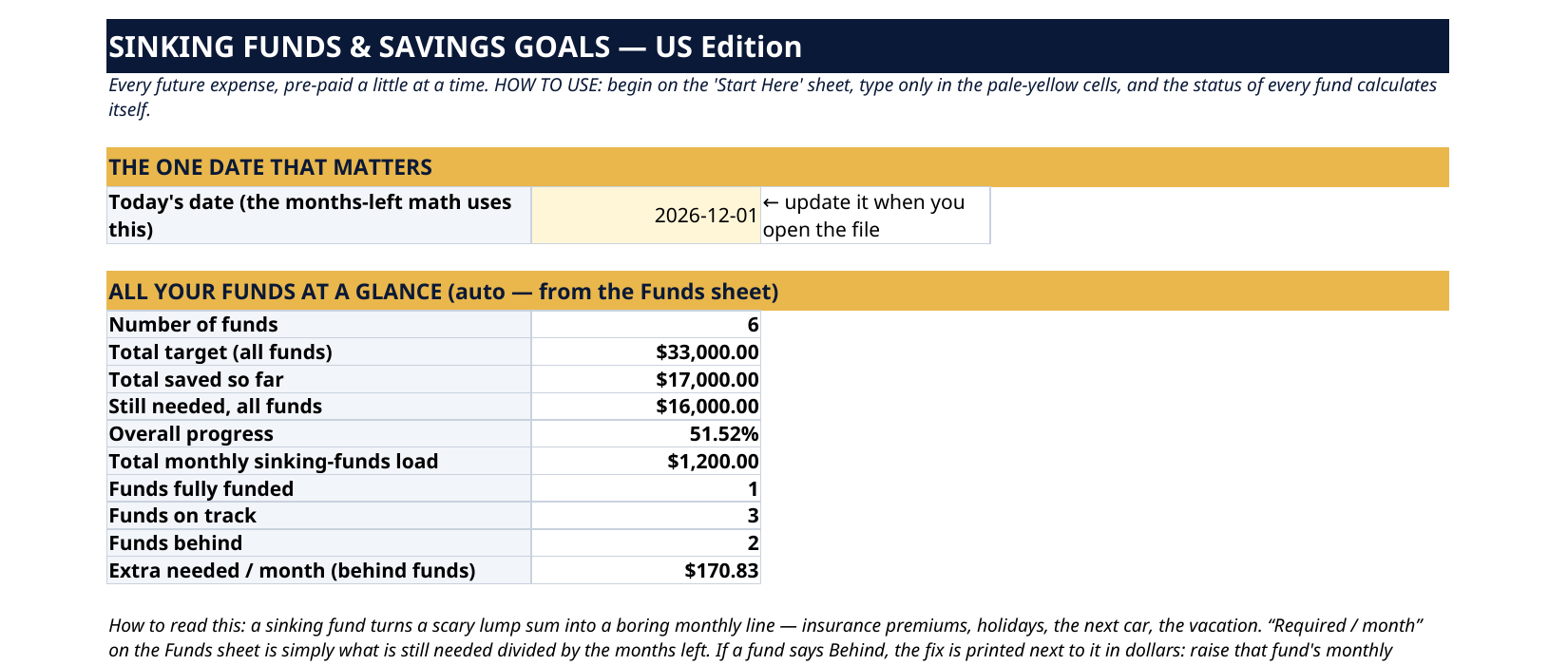
- Dashboard — the one date the math runs from (yours to update), and all your funds at a glance: count, total target, total saved, still needed, overall progress %, your total monthly sinking-funds load, how many funds are funded / on track / behind, and the extra per month that fixes the behind ones
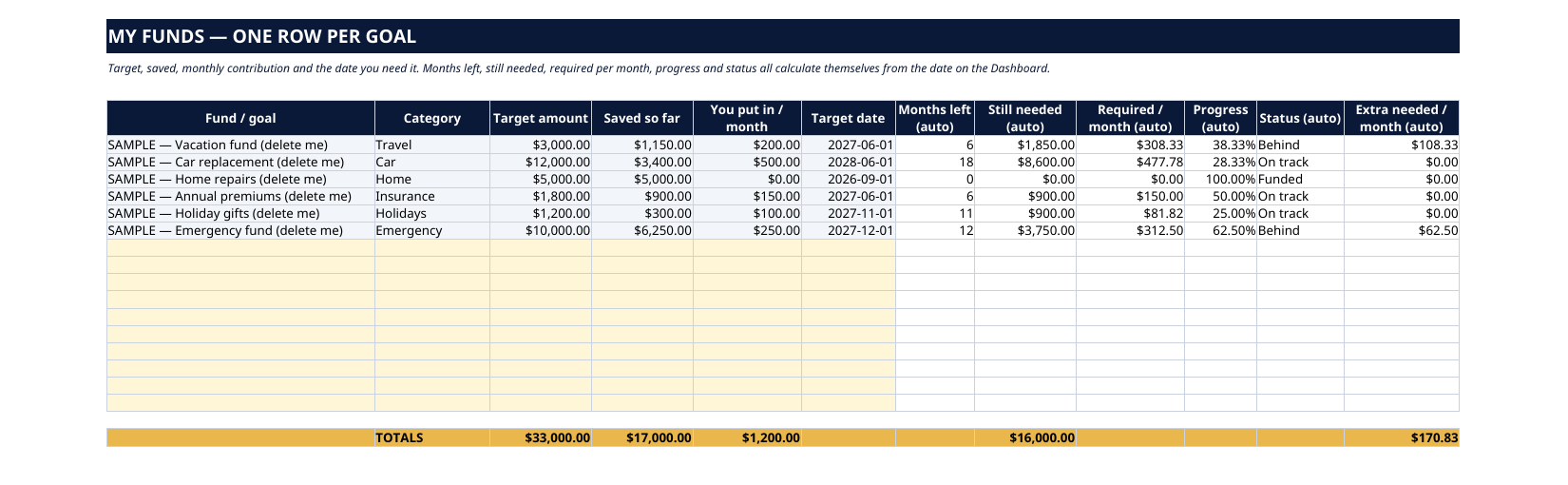
- Funds — up to 16 funds, one row each: category, target, saved, monthly contribution, target date — with months left, still needed, required per month, progress % and status all calculated for you
How it works — 3 steps
- Add each goal as its own fund — target, saved so far, monthly contribution and the date you need it
- Read each fund's status: Funded, On track or Behind, with the exact extra per month that puts a behind fund back on schedule
- Adjust contributions until every fund is on track — the sheet keeps the months-left and required-per-month math current
You never build or fix a formula. Type only in the pale-yellow cells — the formula cells are protected (no password) so the math can't be broken by accident. Fictional SAMPLE rows, clearly marked, show you the format; delete them and the file is yours.
What you need
Microsoft Excel or Google Sheets (free). This is a spreadsheet — it does not work in GoodNotes or a PDF reader. A printable PDF copy of the filled file is included for reference.
Instant download
This is a digital download — no physical item will be shipped. After purchase, go to Etsy → Purchases and reviews → Download files, save the file to your computer first, then open it in Excel (click “Enable Editing”) or upload it to Google Drive for Sheets (then File → Make a copy, and always work in your copy).
License
Personal use only — for your own household. Please do not share, resell or redistribute the file.
Questions
How do I receive the file?
Instant download from Etsy right after checkout — Purchases and reviews → Download files. You get the Excel file plus a printable PDF copy of the filled sample.
Does it work in Google Sheets and Excel?
Yes — both. In Google Sheets: upload the file to Drive, open it, then File → Make a copy, and work in your copy. In Excel: open it and click Enable Editing.
How many funds can I track?
Up to 16 separate funds — vacations, car replacement, home repairs, annual premiums, holidays, an emergency-fund top-up, property taxes, a wedding, whatever has a target and a date.
How does the On track / Behind status work?
The sheet counts the months between the date on the Dashboard and your target date, divides what is still needed by those months, and compares that required amount with what you actually put in. Funded means the target is met; Behind prints the exact extra per month that closes the gap.
Do I need to update the date?
Yes — one yellow cell on the Dashboard holds "today's date", and the months-left math runs from it. Update it whenever you sit down with the file and every status refreshes.