About this template
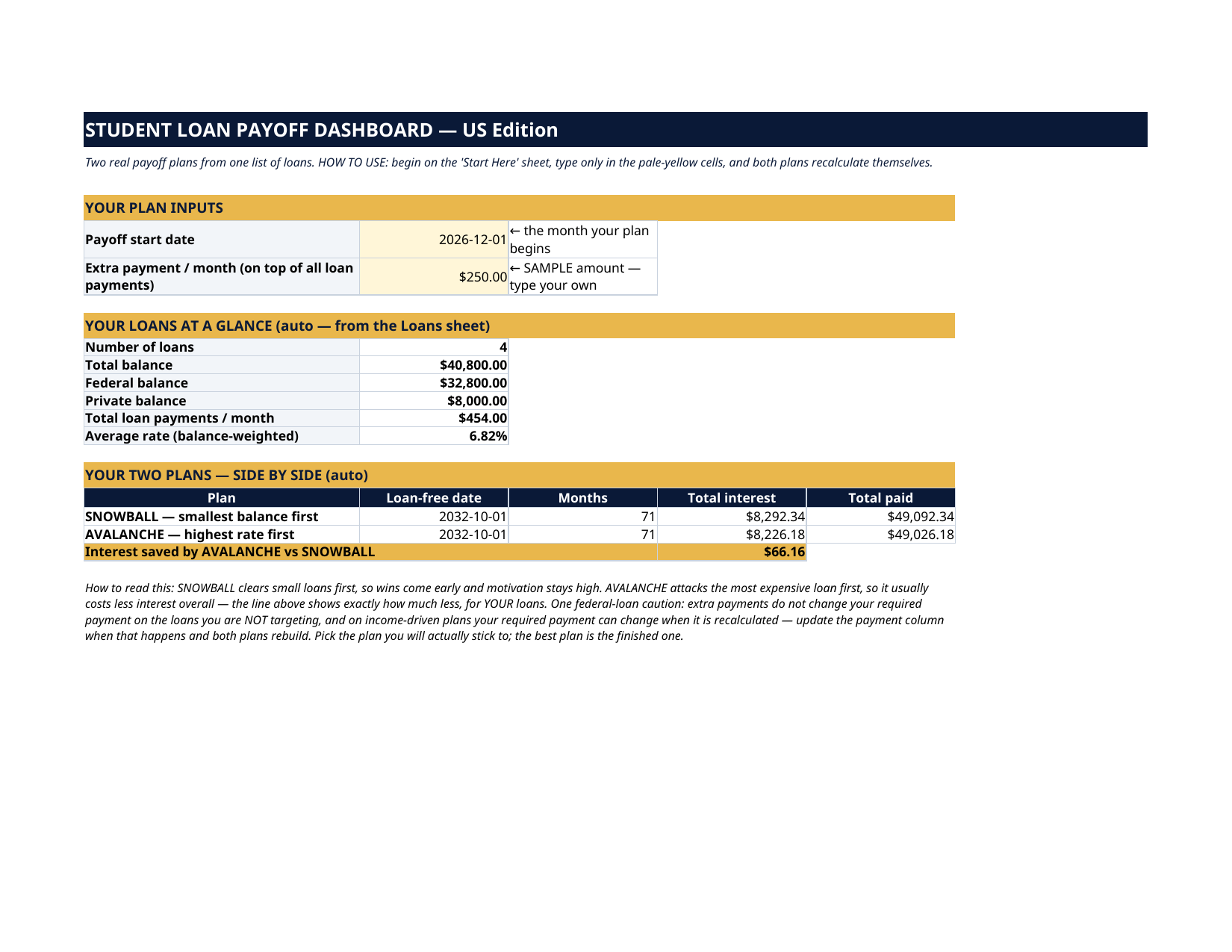
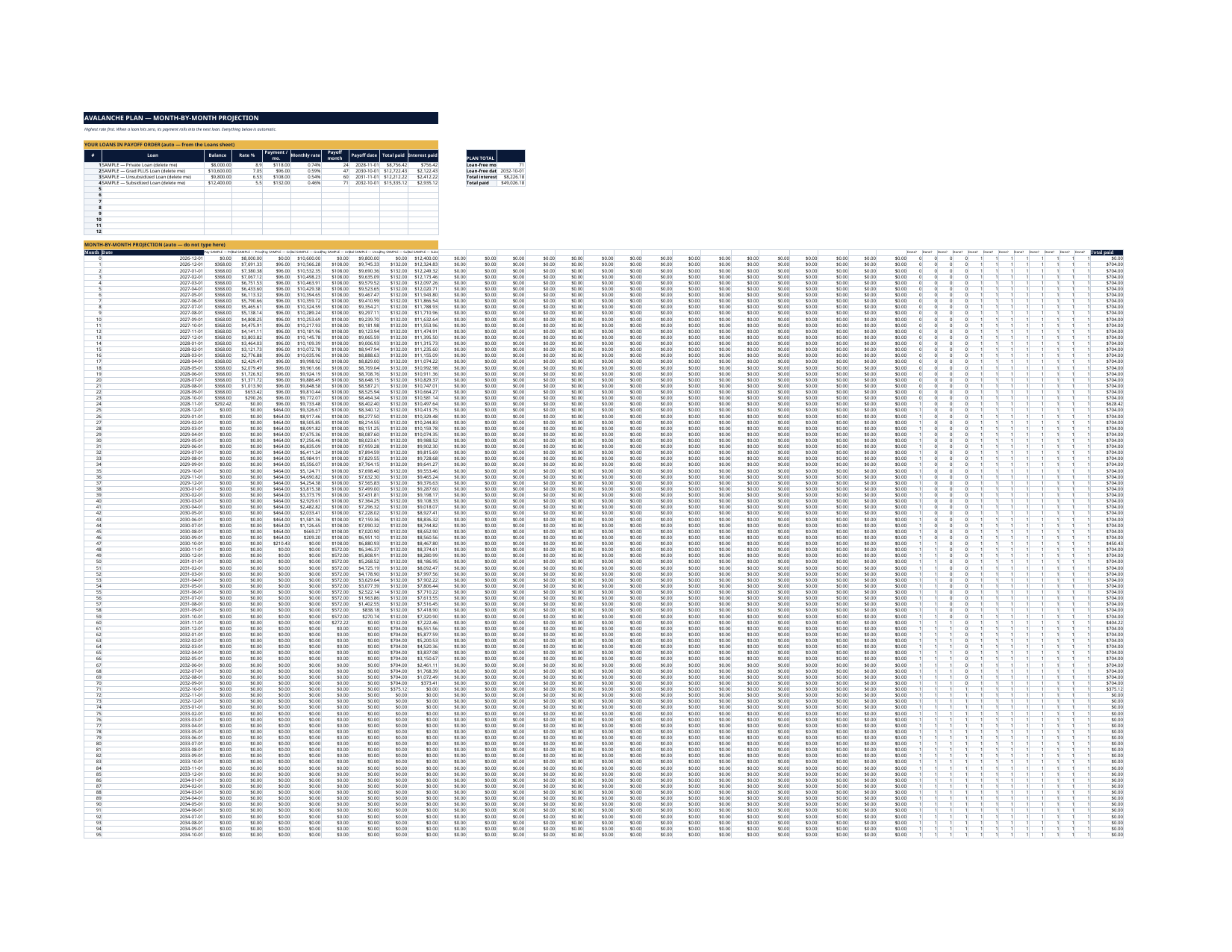
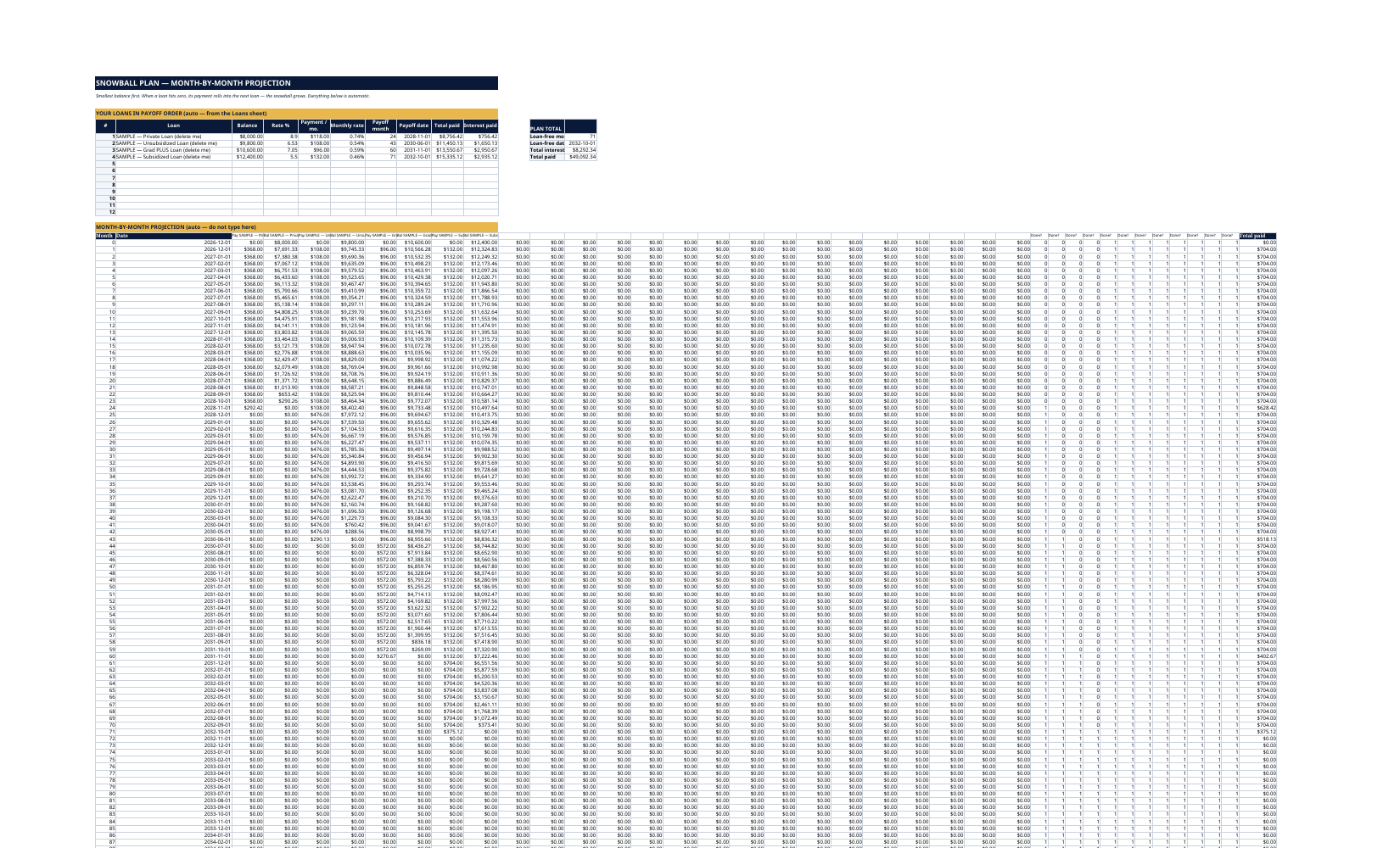
Your student loans live in three portals, two servicers and one headache. This dashboard puts every loan on ONE list — servicer, federal or private, repayment plan, balance, rate, the payment you actually make — and then does the thing a list alone can't: it runs two REAL month-by-month payoff simulations on your actual loans and tells you your loan-free date and your total interest, both ways. SNOWBALL clears the smallest balance first, so wins come early. AVALANCHE clears the highest rate first, so it usually costs less interest. Both plans are simulated honestly, month by month, with freed payments rolling into the next loan — and the dashboard shows the exact interest difference between them for YOUR loans, so you pick with numbers, not vibes.
What's inside
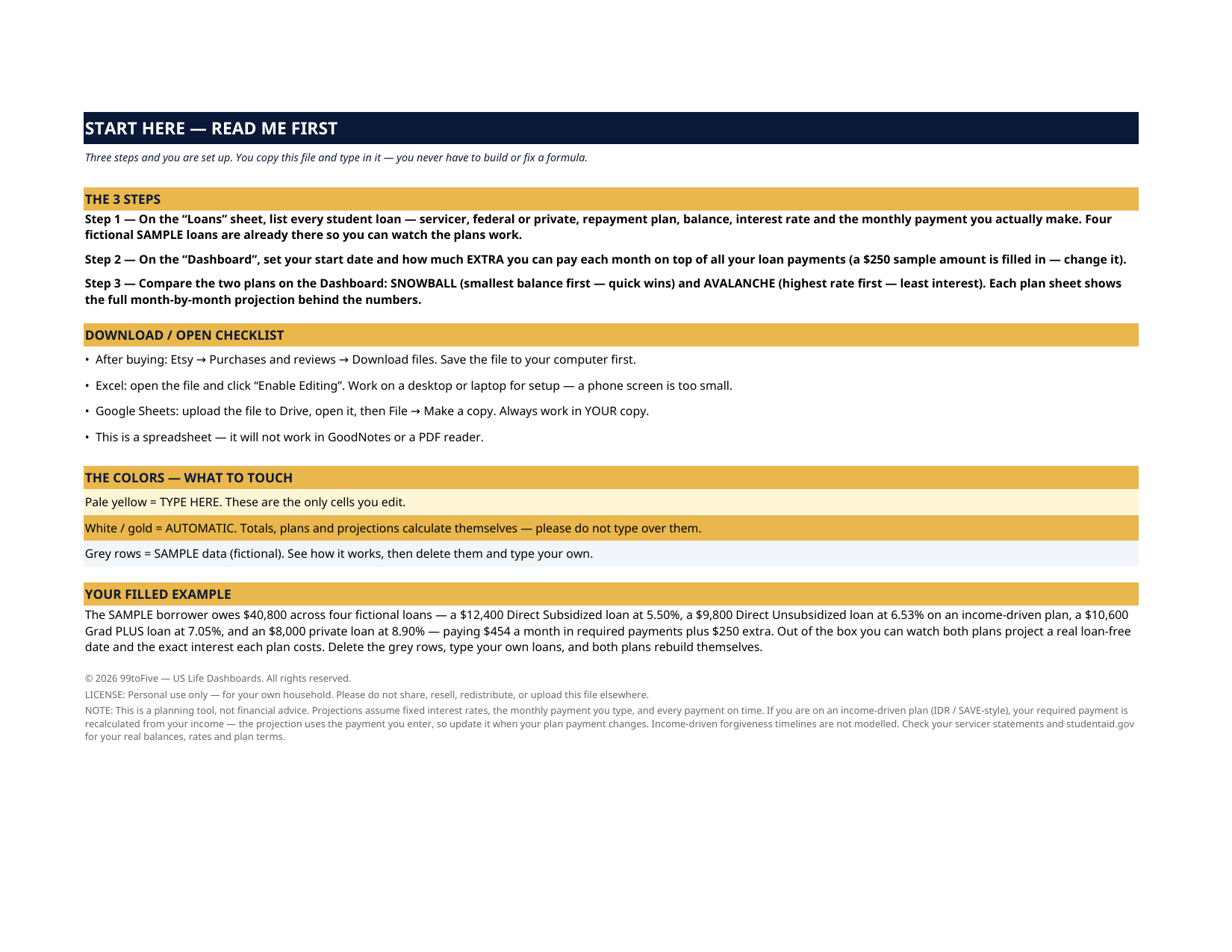
- Start Here — the 3 steps, the color key, your filled example
- Dashboard — your start date and extra monthly payment, your loans at a glance (count, total/federal/private balance, payments, weighted average rate), and the two plans side by side: loan-free date, months, total interest, total paid, and the interest saved by avalanche
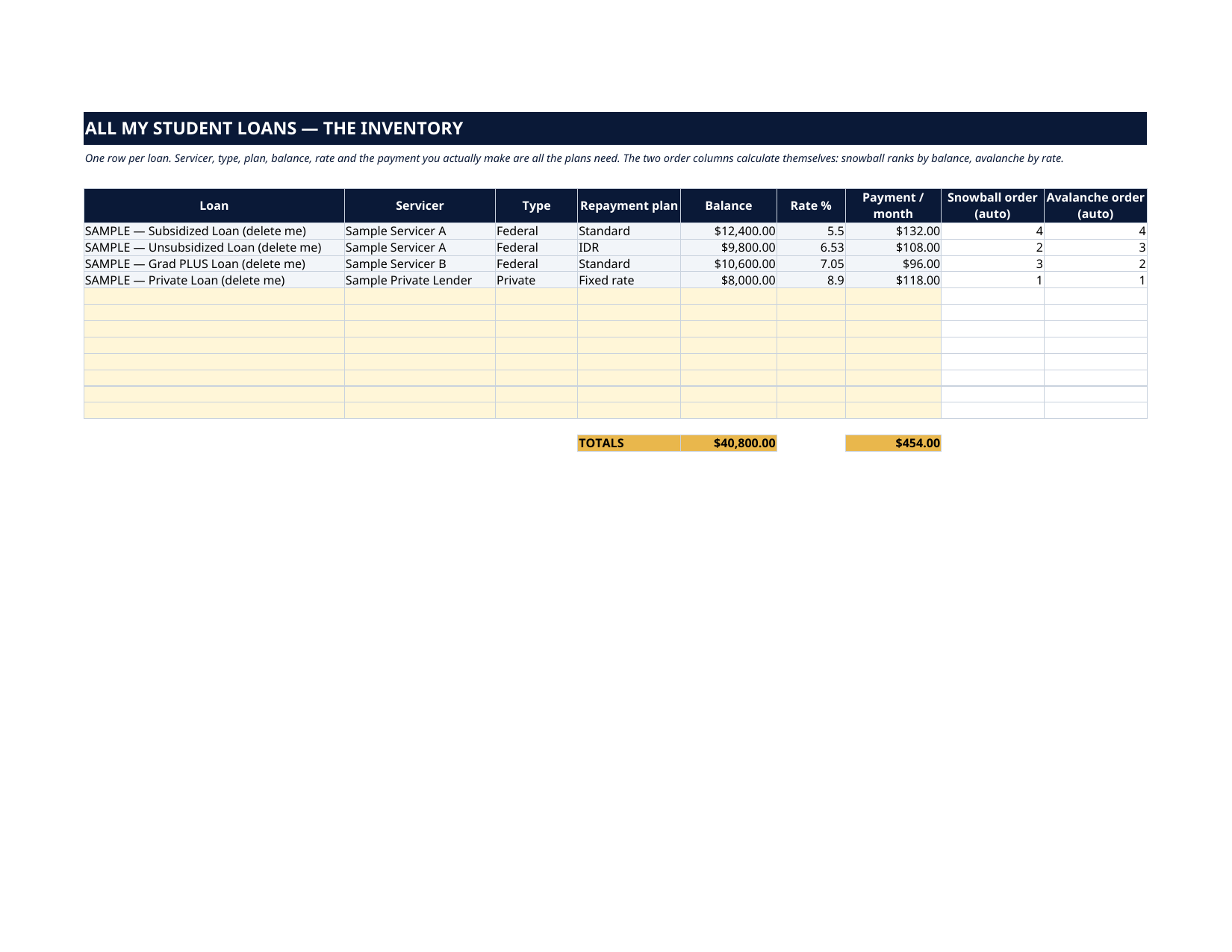
- Loans — one row per loan (up to 12): servicer, type (Federal/Private), repayment plan (Standard, IDR, Graduated, Extended, Private fixed…), balance, rate, payment — with the snowball and avalanche order calculated for you
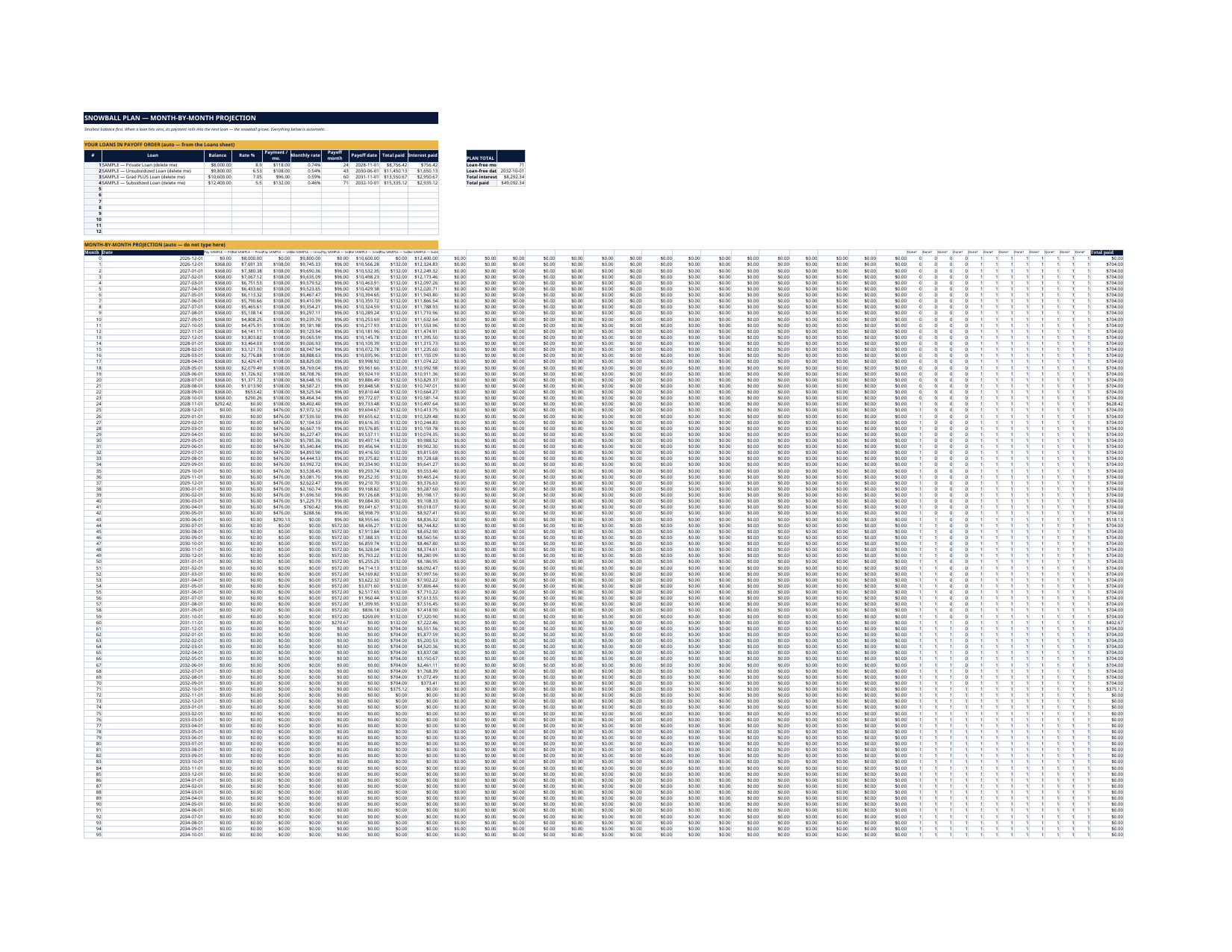
- Snowball Plan — the full month-by-month projection (up to 120 months): every loan's balance, every payment, every payoff date
- Avalanche Plan — the same real simulation, highest rate first
How it works — 3 steps
- Add every loan — servicer, type, repayment plan, balance, rate and the payment you actually make
- Set your start date and your extra monthly payment on the Dashboard
- Compare the Snowball and Avalanche plans side by side — loan-free date and total interest both ways — and pick with numbers
You never build or fix a formula. Type only in the pale-yellow cells — the formula cells are protected (no password) so the math can't be broken by accident. Fictional SAMPLE rows, clearly marked, show you the format; delete them and the file is yours.
What you need
Microsoft Excel or Google Sheets (free). This is a spreadsheet — it does not work in GoodNotes or a PDF reader. A printable PDF copy of the filled file is included for reference.
Instant download
This is a digital download — no physical item will be shipped. After purchase, go to Etsy → Purchases and reviews → Download files, save the file to your computer first, then open it in Excel (click “Enable Editing”) or upload it to Google Drive for Sheets (then File → Make a copy, and always work in your copy).
License
Personal use only — for your own household. Please do not share, resell or redistribute the file.
Questions
How do I receive the file?
Instant download from Etsy right after checkout — Purchases and reviews → Download files. You get the Excel file plus a printable PDF copy of the filled sample.
Does it work in Google Sheets and Excel?
Yes — both. In Google Sheets: upload the file to Drive, open it, then File → Make a copy, and work in your copy. In Excel: open it and click Enable Editing.
How many loans can I track?
Up to 12 loans, each with its own servicer, type, repayment plan, balance, rate and payment. The projections run up to 120 months.
Are the two plans real simulations or rough estimates?
Real simulations. Each plan sheet projects every loan month by month — interest accrues on each balance, payments apply, and when a loan is paid off its payment rolls into the next loan in line, exactly the way you would actually pay them.
I am on an income-driven plan (IDR / SAVE-style). Does this still work?
Yes — enter the payment you actually make today. The file is upfront that IDR payments get recalculated from your income, so when your plan payment changes, update the payment column and both plans rebuild. Forgiveness timelines are not modelled.