About this template
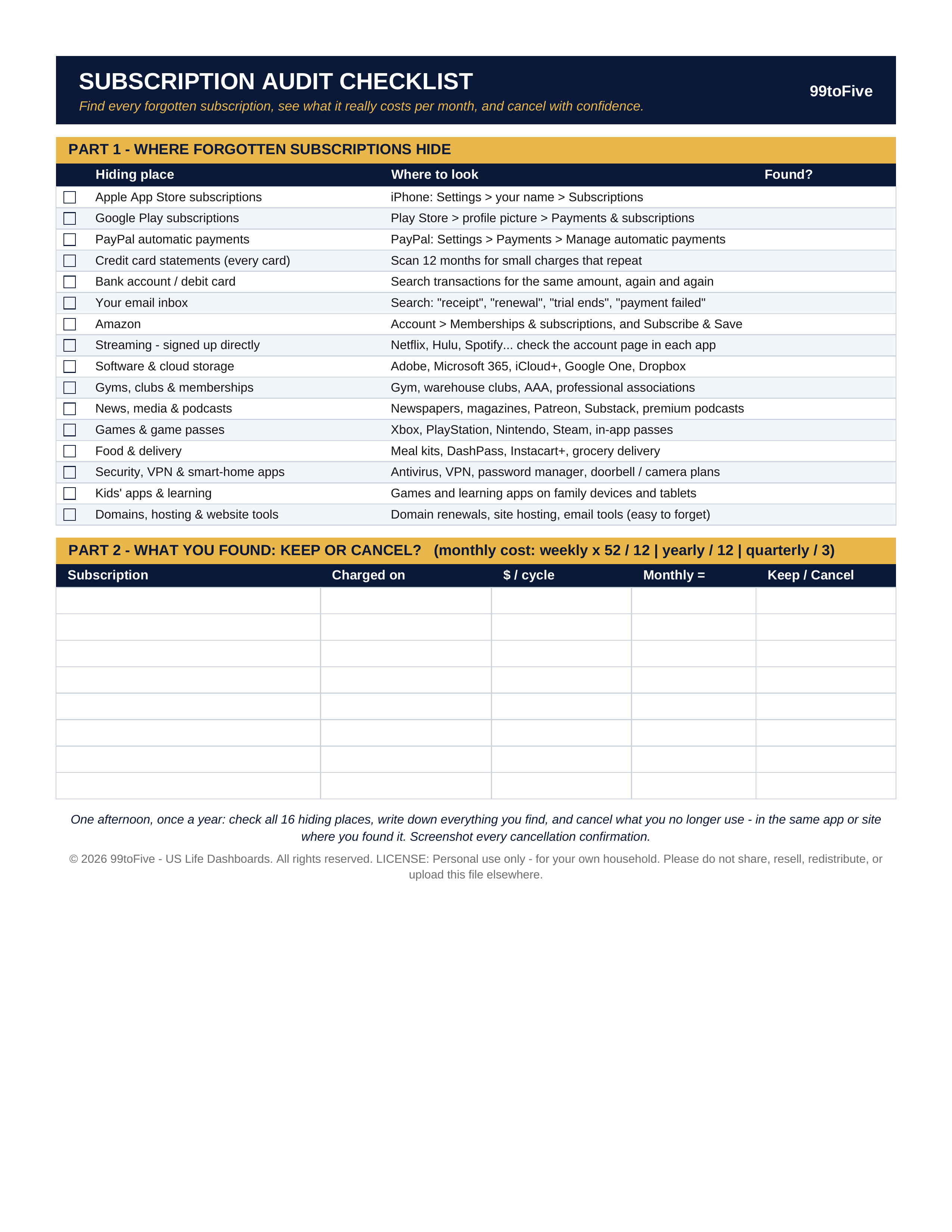
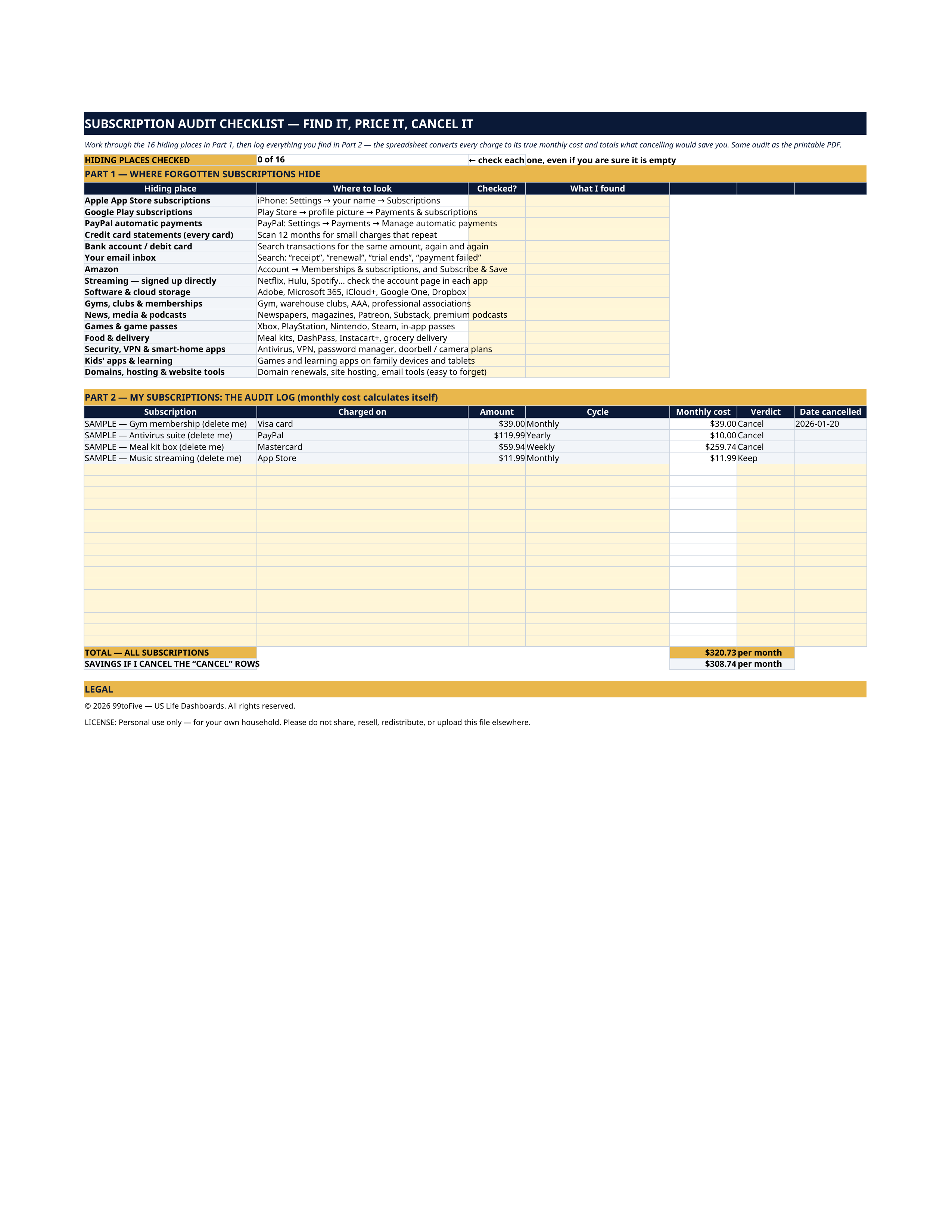
The free trial from two years ago. The antivirus that renews through PayPal. The app your kid subscribed to on the family tablet. Forgotten subscriptions don't hide in one place — they hide in app stores, payment services, card statements and inboxes, a few dollars at a time. This one-page audit walks you through all 16 hiding places and tells you exactly where to look in each: the two taps that open your Apple subscriptions, the PayPal page where automatic payments live, the email searches that surface every receipt, and the statement scan that catches the rest. Then Part 2 gives you the worksheet: write down everything you find, convert it to its true monthly cost, and decide — keep or cancel. You get it two ways: a printable PDF for the paper-and-pen audit, and the same audit as a spreadsheet that does the monthly math and totals your cancellation savings for you. In the spreadsheet version, the audit log converts every charge to its monthly cost by itself and keeps two running totals: what all your subscriptions cost per month, and what cancelling the rows you marked "Cancel" would save you every month. Four grey SAMPLE rows (a fictional gym, antivirus, meal kit and music app) show exactly how it works — delete them and start your own audit.
What's inside
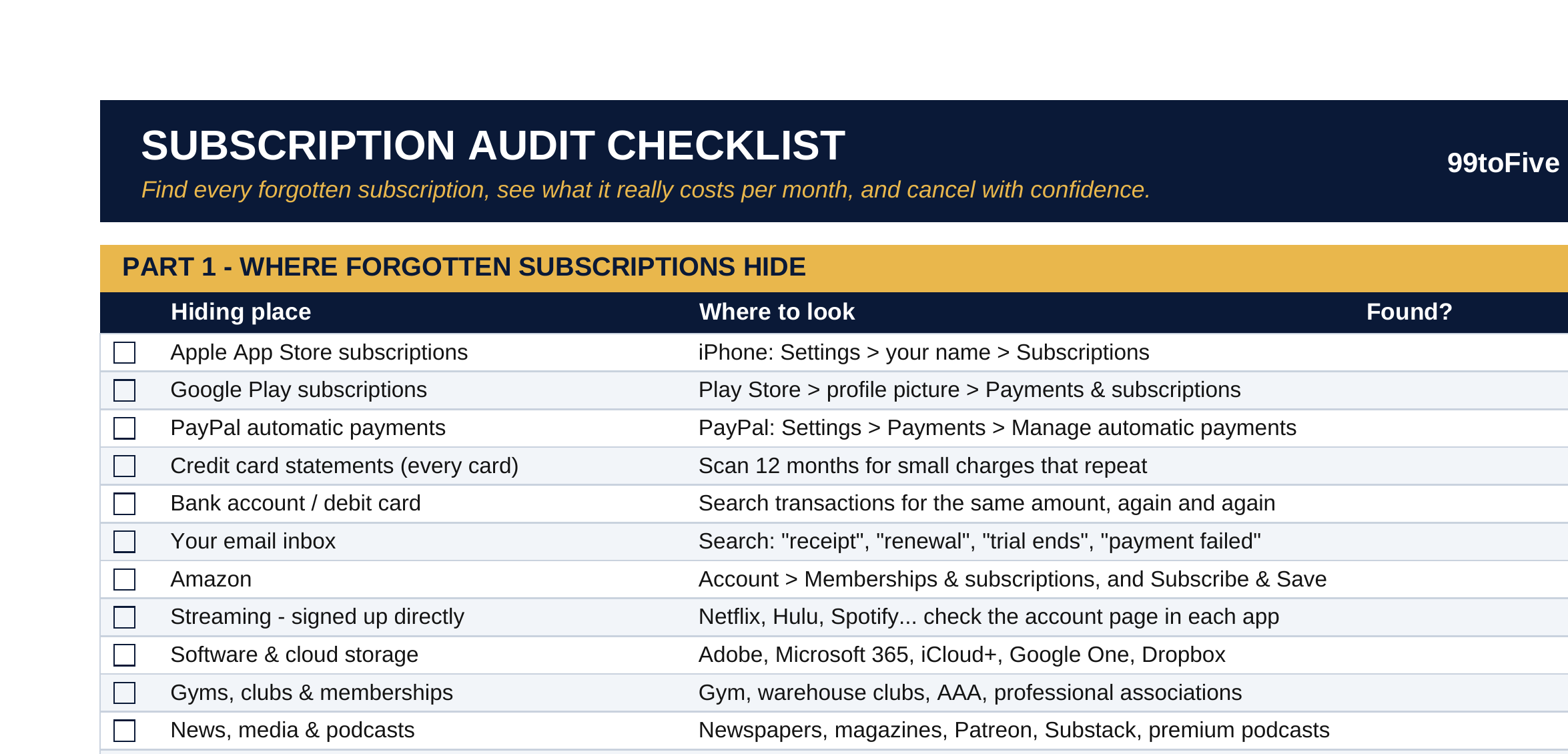
- Where Forgotten Subscriptions Hide (16 Places) — Apple App Store · Google Play · PayPal automatic payments · every credit card statement · your bank / debit account · your email inbox (the four searches that find receipts) · Amazon memberships & Subscribe & Save · streaming services you joined directly · software & cloud storage · gyms, clubs & memberships · news, media & podcasts · games & game passes · food & delivery · security, VPN & smart-home apps · kids' apps & learning · domains, hosting & website tools.
- What You Found: Keep or Cancel? — A worksheet for every charge you uncover: what it is, what it is charged on, the amount and cycle, the honest monthly cost, and your verdict. The monthly math is printed right on the page: weekly × 52 ÷ 12, yearly ÷ 12, quarterly ÷ 3 — because a $59.94 weekly meal kit is really $259.74 a month, and a $119.99 yearly antivirus is $10 a month forever.
How it works — 3 steps
- Print the PDF or open the spreadsheet, and work through the 16 hiding places one by one. Check each one even if you are sure it is empty — that is where the surprises live.
- Write down every recurring charge you find, with its amount and cycle. Convert it to the monthly cost (the spreadsheet does this for you).
- Mark each one Keep or Cancel. Cancel in the same app or site where you found it, screenshot the confirmation, and watch the savings total.
You never build or fix a formula. Type only in the pale-yellow cells — the formula cells are protected (no password) so the math can't be broken by accident. Fictional SAMPLE rows, clearly marked, show you the format; delete them and the file is yours.
What you need
For the PDF: any PDF reader, and a printer if you want the paper copy. For the spreadsheet: Microsoft Excel, or Google Sheets (free with a Google account). The same .xlsx file works in both — upload it to Google Drive, open it, File → Make a copy, and work in your copy. About one afternoon, once a year. That's the whole program.
Instant download
This is a digital download — no physical item will be shipped. After purchase, go to Etsy → Purchases and reviews → Download files, save the file to your computer first, then open it in Excel (click “Enable Editing”) or upload it to Google Drive for Sheets (then File → Make a copy, and always work in your copy).
License
Personal use only — for your own household. Please do not share, resell or redistribute the file.
Questions
What exactly do I receive?
Two files: a one-page printable PDF (US Letter) with the 16 hiding places and the keep-or-cancel worksheet, and the same audit as an Excel spreadsheet whose audit log converts every charge to its monthly cost and totals your cancellation savings automatically.
How is this different from just looking at my bank statement?
A statement shows charges, but subscriptions also hide where no statement line points you — inside the App Store, Google Play, PayPal's automatic payments and app accounts. The checklist gives you the exact place to look in all 16, including the four email searches that surface old receipts.
Does it connect to my bank or find my subscriptions automatically?
No — and that's deliberate. Nothing to connect, no account access, no ongoing fees. You check the 16 places once (about an afternoon), and the worksheet or spreadsheet does all the math.
How does the monthly cost math work?
Weekly charges × 52 ÷ 12, yearly ÷ 12, quarterly ÷ 3, monthly as-is. That's how a $59.94-a-week meal kit honestly shows as $259.74 a month. The spreadsheet version calculates it for every row.
Do I need Excel or Google Sheets?
Only for the spreadsheet version. The PDF prints and works with any PDF reader — if you only want the paper audit, you're all set.